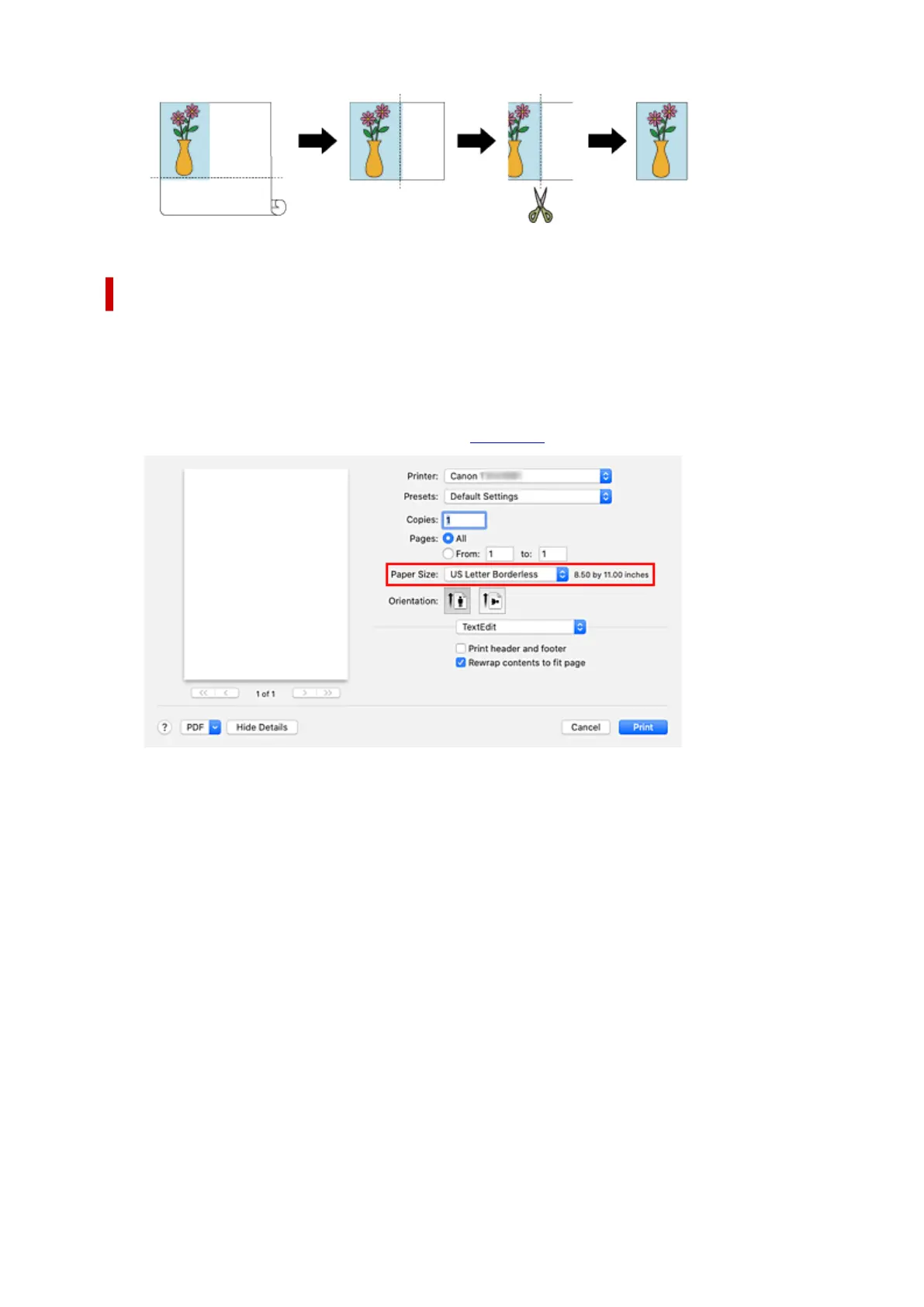
Printing Full-Size without Margins on Three Sides
The procedure for three-sided borderless printing in the same size as the original document without
enlarging or reducing the size is described below.
1.
Select the paper size for whole-surface borderless printing
1.
Select "XXX Borderless" from Paper Size in the print dialog.
2. From the pop-up menu, select Page Processing2.
3. Select roll paper width3.
For paper roll width, enter the same value set in the printer under Roll Paper Width.
4.
Place a checkmark next to Three-sided Borderless
4.
617












 To Next Page