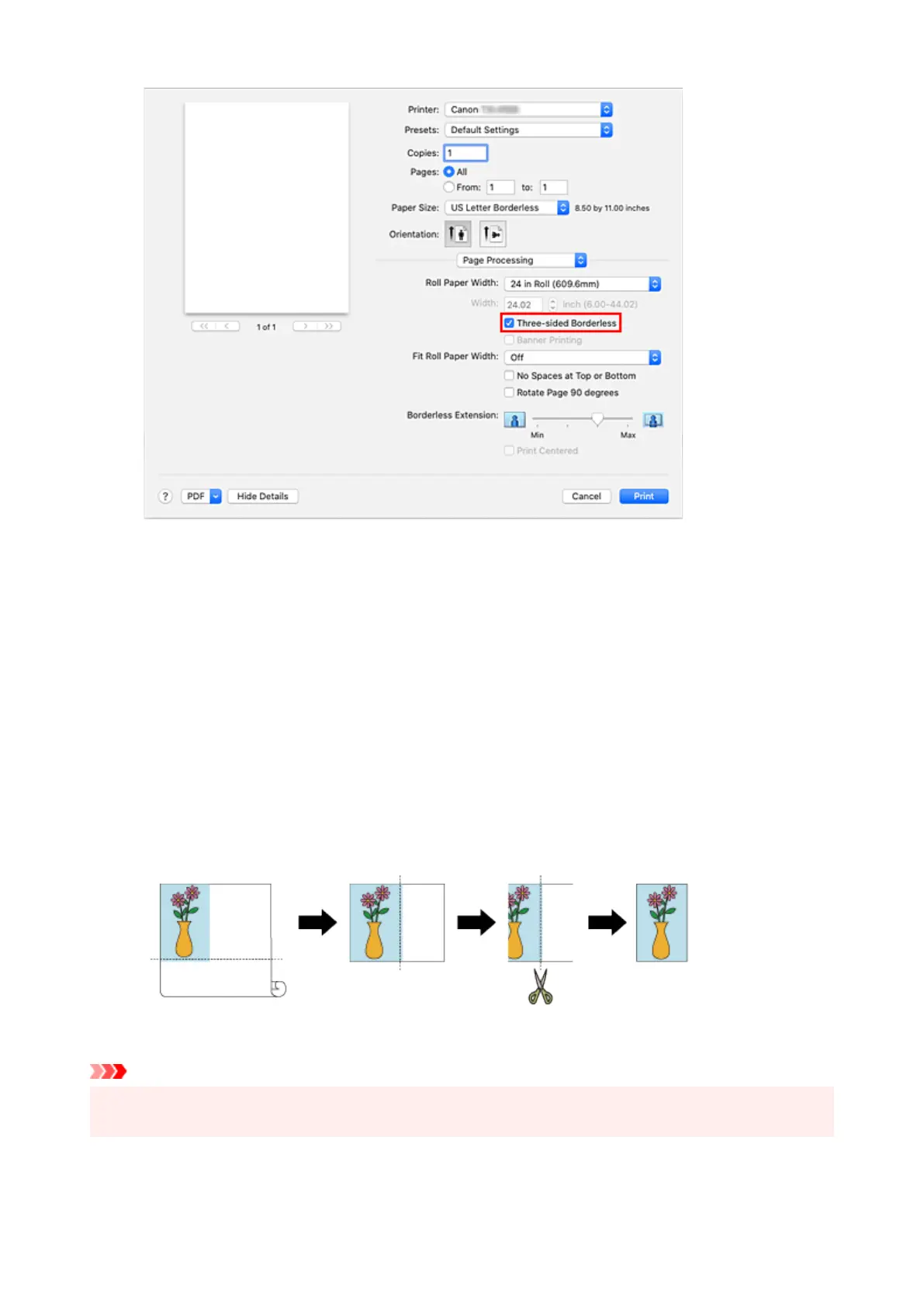
5.
Select a method for printing on roll paper
5.
For Fit Roll Paper Width, select Off.
6. Complete setting process6.
Click Print.
If you print now, the document will be printed without margins on three sides while retaining the same
document size.
7. Cut the right side of the paper7.
Cut the margin on the right side of the paper with scissors after printing.
To get the document to standard size, it is recommended to take measurements and cut in the correct
positions.
Important
• If you try to set borderless printing, in Page Processing, Banner Printing and Print Centered will be
displayed in gray and you will not be able to configure them.
618












 To Next Page