5.
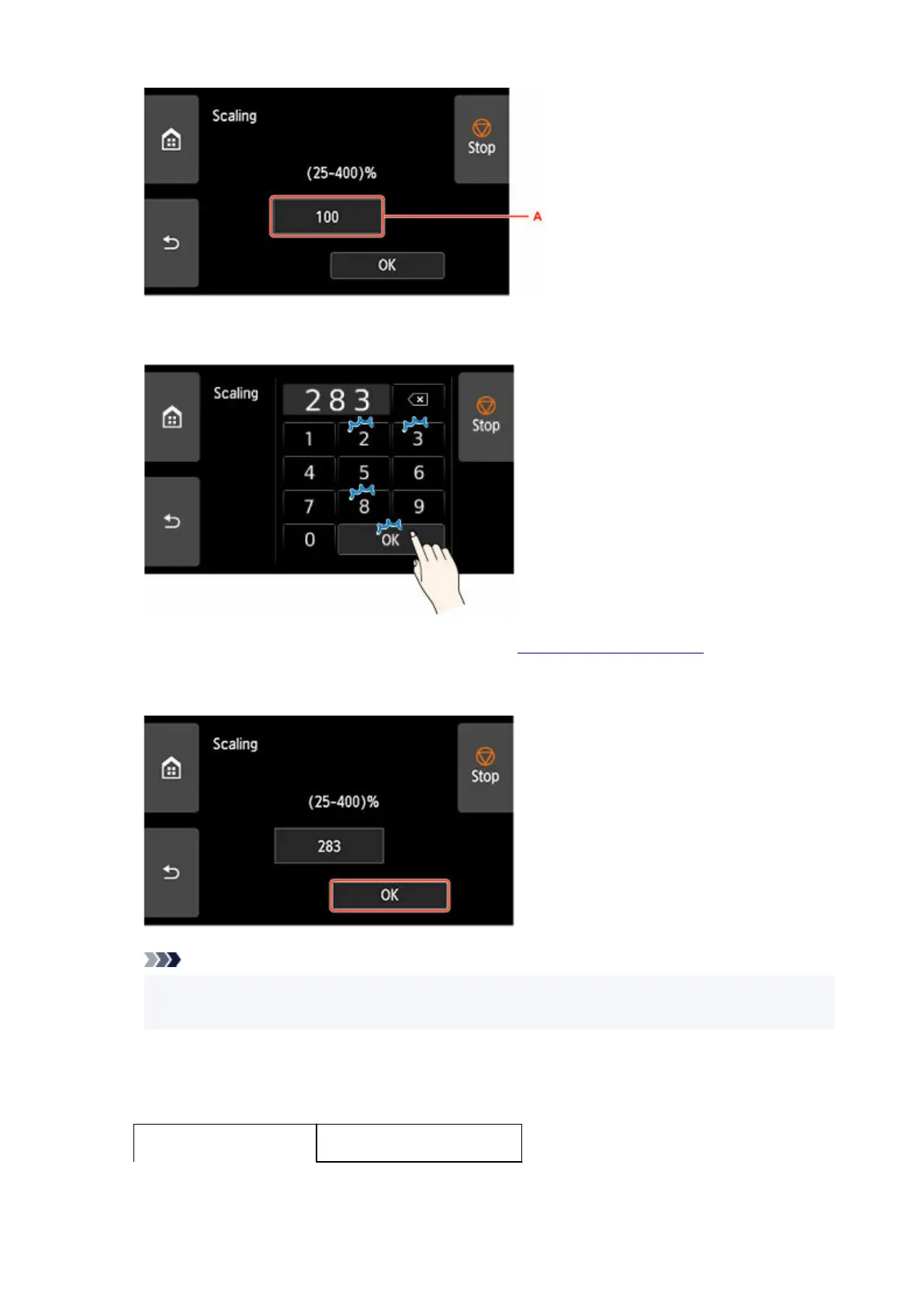
Enter the scale percentage, and then tap OK.
5.
For commonly used magnification conversions, refer to Reference for Magnification.
6. Select OK on the displayed screen.6.
Note
• Change the image quality in Print quality settings if necessary.
• You can specify the orientation of the image from Rotate.
Reference for Magnification
• ISO A format•
Original size
658












 To Next Page