Caution
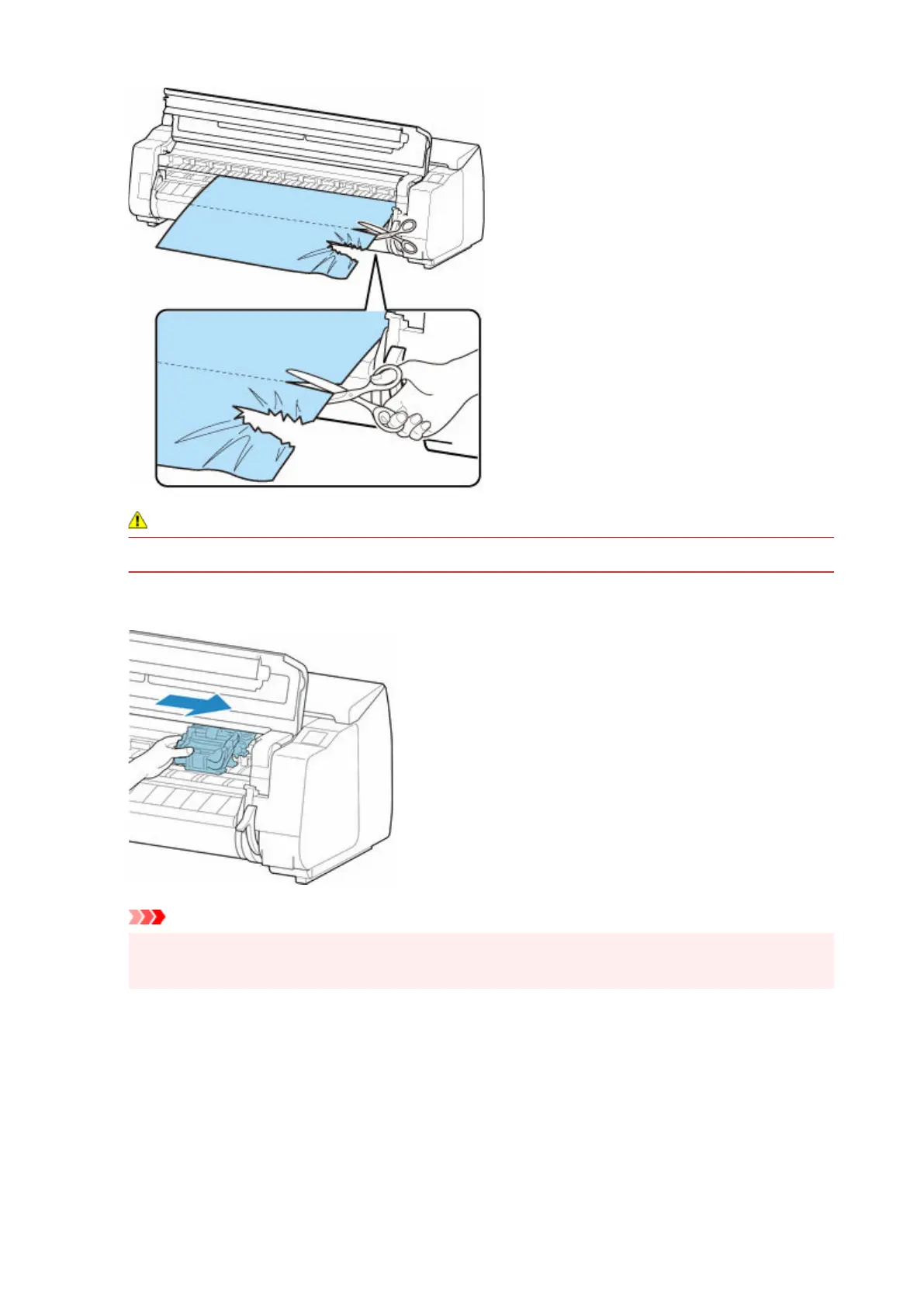
• Be careful not to injure yourself or scratch the printer when cutting.
6. If the Carriage is on the left, move the Carriage to the right until it stops.6.
Important
•
Always move the Carriage to the right side. If the Carriage is on the left, an error message may
appear on the touch screen when you turn on the printer.
7.
Hold the leading edge of the roll paper in the middle and pull it gently and evenly until it
7.
reaches the output guide (A) position. At this time, align the right edge of the roll paper
parallel to the paper alignment line (B). When the paper is parallel to the line, lower the
release lever.
752












 To Next Page