CAPINTEC, INC. CAPRAC
®
-t
9-10 TESTS April 2021
Count Time
The default counting time is 60 seconds. If it is desired to use a different counting
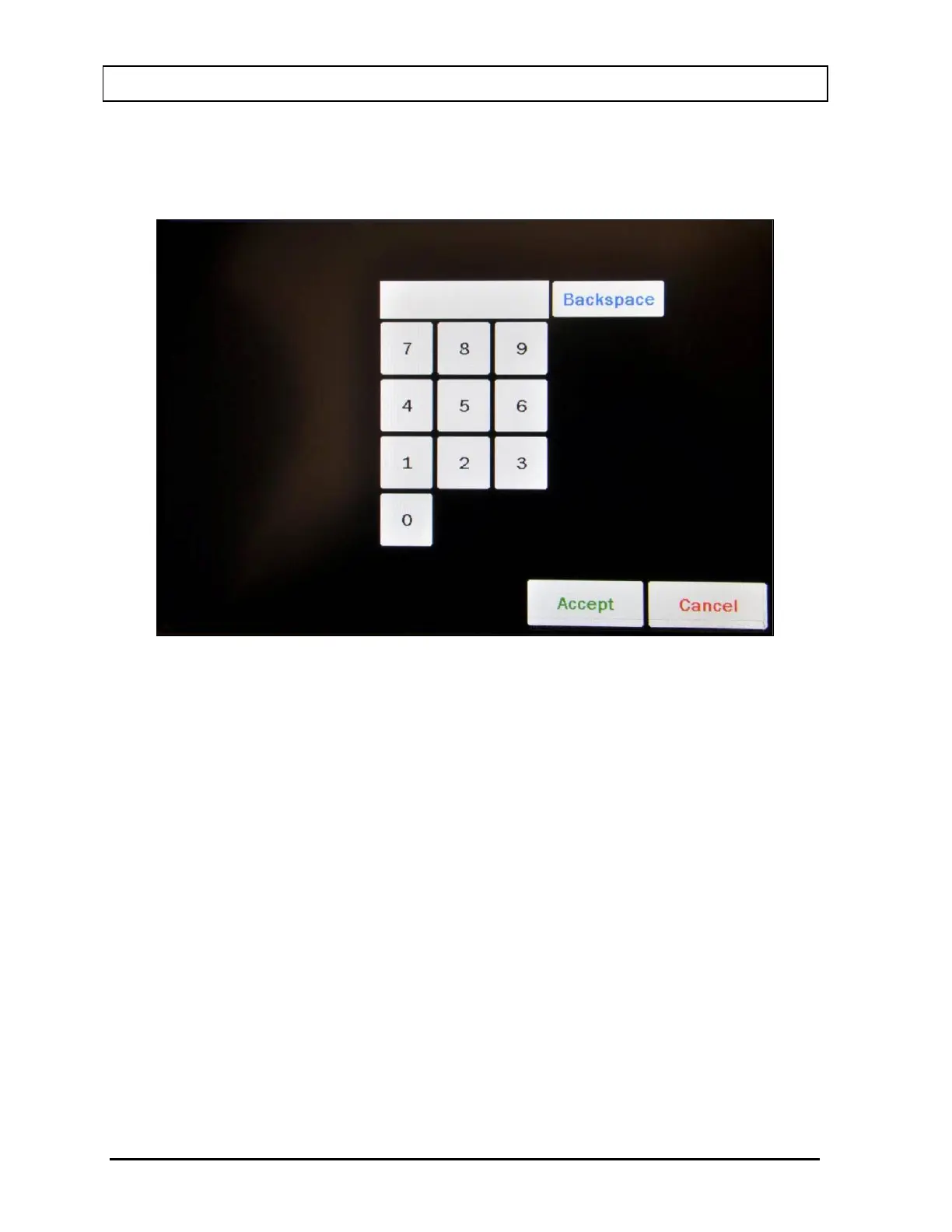
time, touch the COUNT TIME button. Figure 9-8 Numeric Keypad Screen will appear.
Figure 9-8 Numeric Keypad Screen
Input the desired counting time (in seconds) by touching the appropriate numbers on
the keypad. Touch the ACCEPT button to accept the entered time. Touch the
CANCEL button to abort any changes.
Counting the Test Source for 60 seconds or longer is recommended.
Note: The minimum count time that can be input is 2 seconds. The maximum count
time that can be input is 30,000 seconds.
Measurement
To begin the System Test, place the Cs137 Test Source into the Well Counter and
then touch the MEASURE button.
The system will begin measuring the Cs137 Test Source. As counting progresses, the
live spectra are shown. The Real time, Live time and the counting rate (total cpm) will
be displayed and updated. Also, the MEASURE button will be replaced with a STOP
button. At any time during the measurement, touch the STOP button to stop the
measurement. To re-start the process, touch the MEASURE button.



 To Next Page