User's Manual
46
To secure the Device, we strongly recommend you properly keep the password for admin and
modify it regularly.
Procedure
Step 1 Turn on the Device.
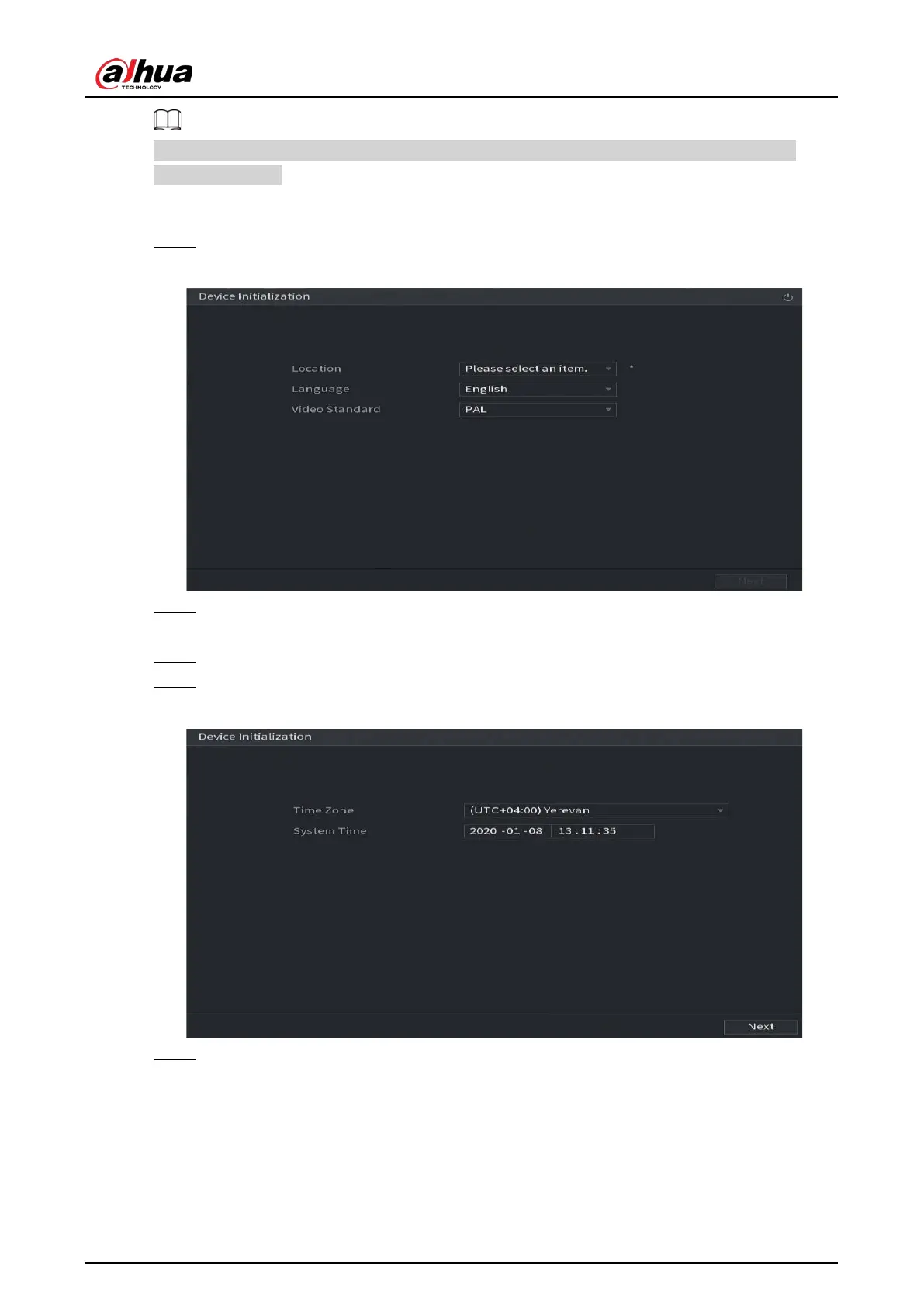
Figure 5-1 Location, language and video standard
Step 2 Select your location from the drop-down list, then language and video standard will match
your location automatically. You can change the language and video standard manually.
Step 3 Click
Next
.
Step 4 Select the checkbox that
I have read and agree to all terms
, and then click
Next
.
Figure 5-2 Time
Step 5 Select system zone, configure system time, and then click
Next
.


 To Next Page
 Loading...

