Option 2
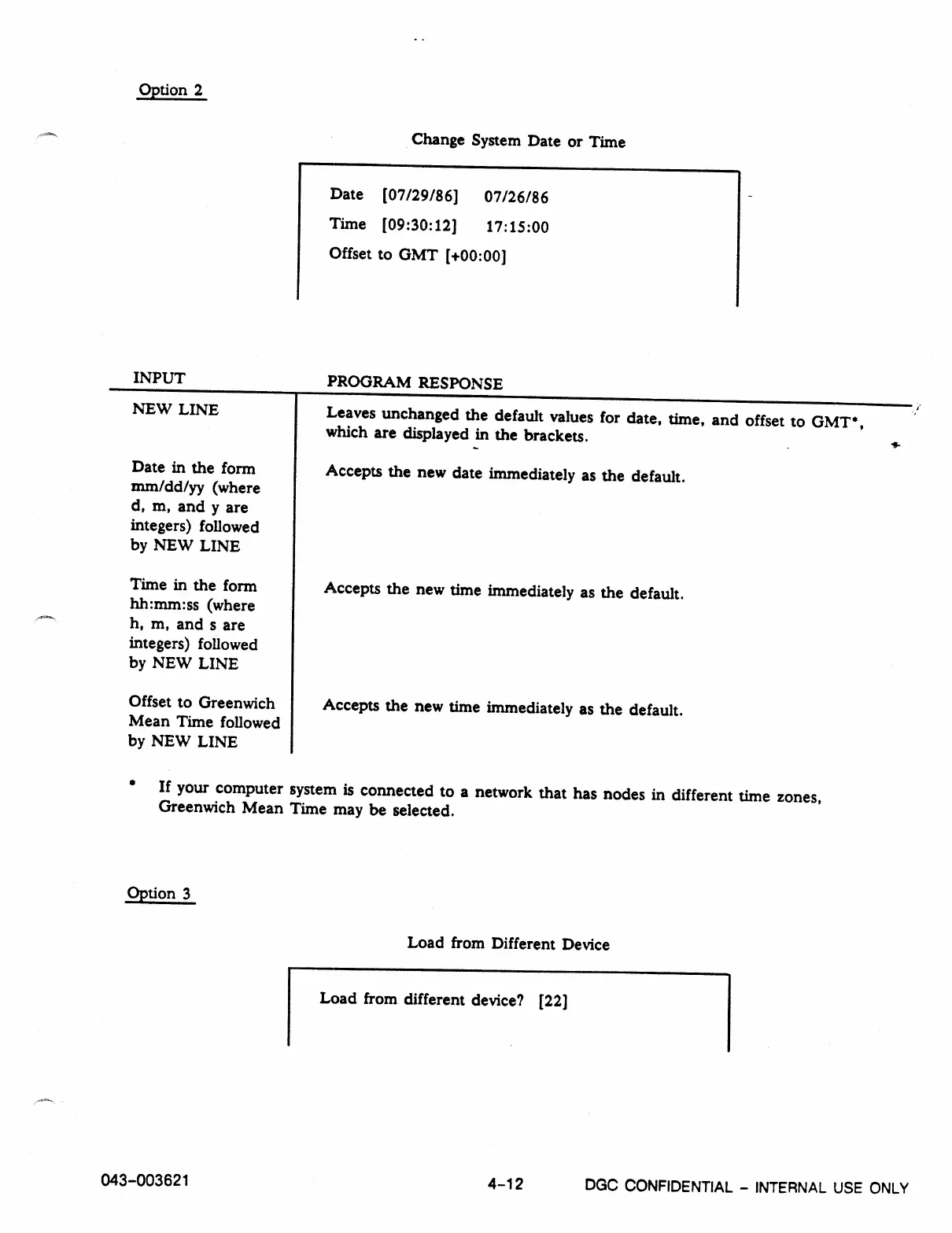
Change System Date or Time
Date [07/29/86]
07/26/86
Time [09:30:12]
17:15:00
Offset to GMT [+00:00]
INPUT
NEW LINE
Date in the form
mm/dd/yy (where
d, m, and y are
integers) followed
by NEW LINE
Time in the form
hh:nun:ss (where
h, m, and s are
integers) followed
by NEW LINE
Offset to Greenwich
Mean Time followed
by NEW LINE
PROGRAM
RESPONSE
Leaves unchanged the default values for date, time, and offset to GMT*,
which are displayed in the brackets.
Accepts the new date immediately as the default.
Accepts the new time immediately as the default.
Accepts the new time immediately as the default.
• If your computer system is connected to a network that has nodes in different time zones,
Greenwich Mean Time may be selected.
Option 3
Load from Different Device
Load from different device? [22]
043-003621
4-12
DGC
CONFIDENTIAL - INTERNAL USE ONLY



 To Next Page