D-44
8. Click the [Update] button. The transfer of firmware data begins. (Wait until the transfer
of data is finished.)
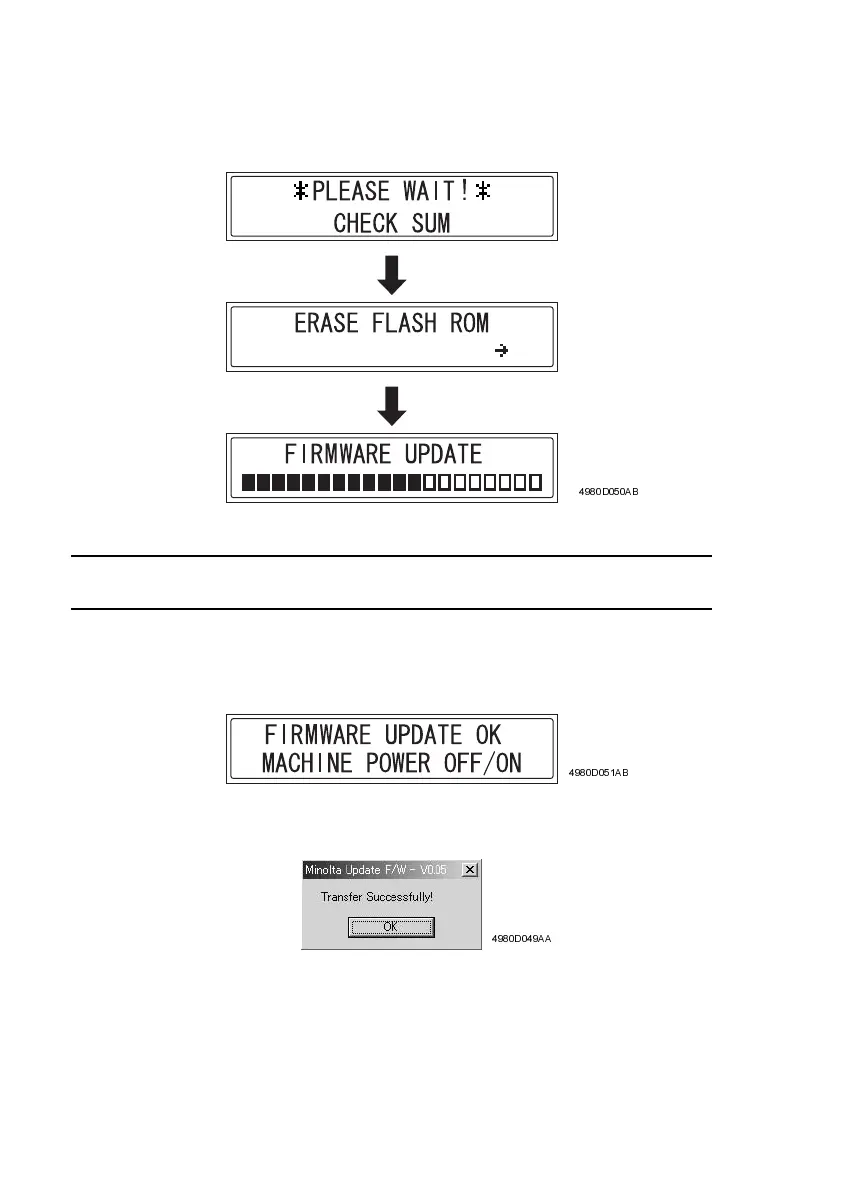
9. Check the firmware update status in the display.
NOTE
• Do not turn the printer off or on while the screen shown above is displayed.
10. Check that the following message appears in the display to indicate that the updating of
the firmware is complete.
11. Click the [OK] button, and then quit the “Develop Update F/W-V1.XX” application.
12. Turn the printer off, then on again.
4980D050AB
4980D051AB
4980D049AA












 To Next Page