T- 3 3
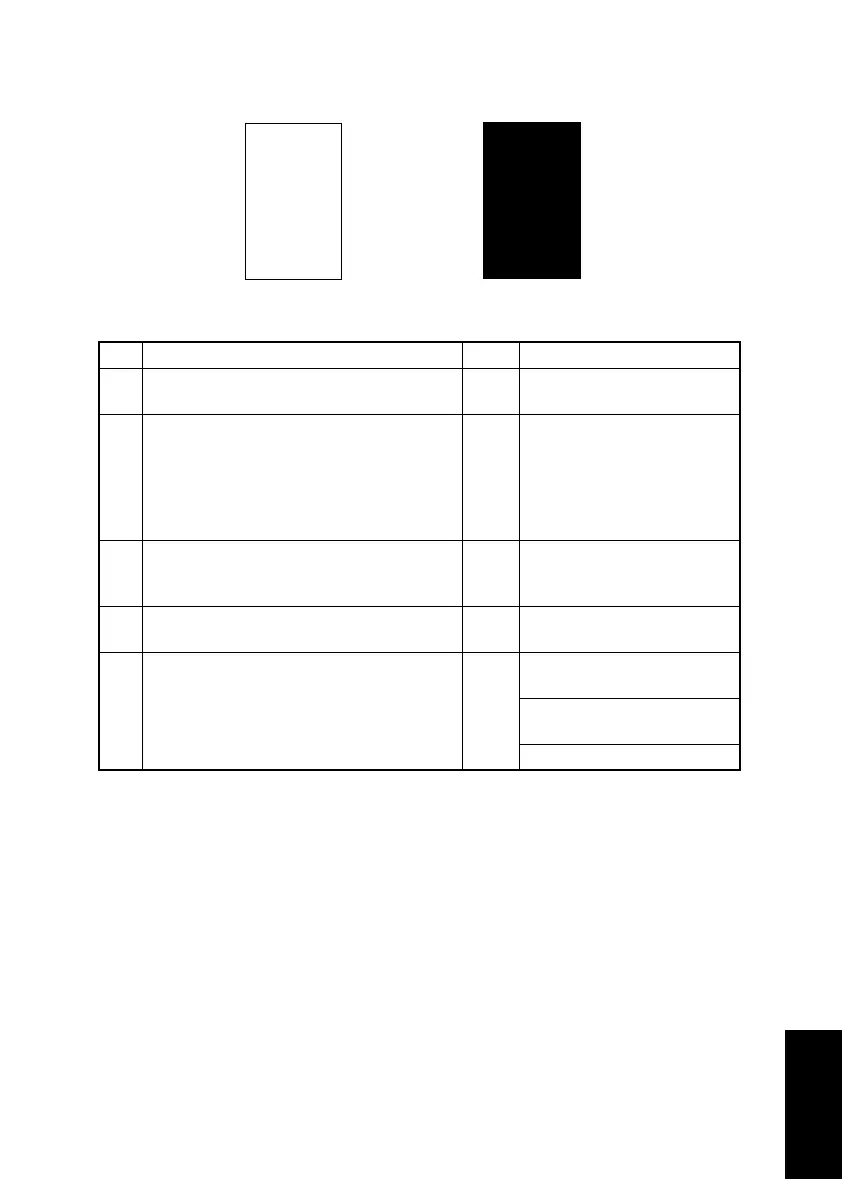
(8) Printer system: Blank or black prints
<Typical Faulty Images>
<Troubleshooting Procedures>
Step Check Result Action
1 Is a printed page blank? YES Check PH Unit connectors for
proper connection.
2 Is the coupling of the drive mechanism of
the Imaging Cartridge properly connected?
NO Check coupling of drive
mechanism for connection
and correct as necessary, or
replace Imaging Cartridge
(Drum Cartridge, Toner Car-
tridge).
3 Is the drum charge voltage contact point or
PC Drum ground contact point of the Imag-
ing Cartridge properly connected?
NO Check, clean, or correct con-
tact point.
4 Is the High Voltage Unit (HV1) connector
connected properly?
NO Connect it properly.
5 Is the problem eliminated when step 4 was
checked?
NO Replace High Voltage Unit
(HV1).
Replace Controller/Mechani-
cal Control Board (PWB-P).
Replace PH Unit.
4011T035AA
4011T036AA












 To Next Page