D-30
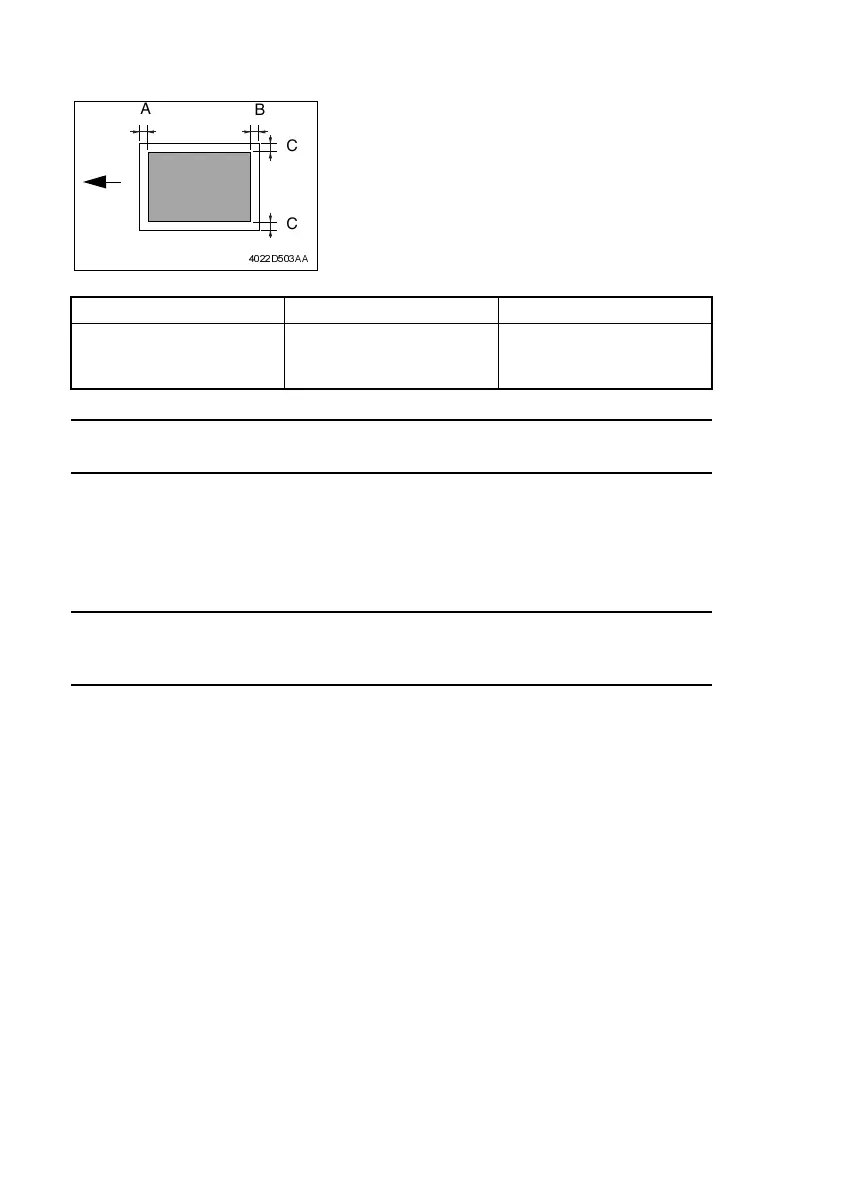
(4) Margin Adjustment (Leading Edge/Trailing Edge/Both Sides)
<Requirement>
Perform this adjustment in the following cases.
• When the user requests a smaller margin
<Adjustment Procedure>
1. Enter Service’s Choice in the Service mode.
2. Select “LEADING EDGE ERASE”.
3. Specify the setting.
Setting Overview
To reduce the margin . . . . . Decrease the setting.
To increase the margin . . . . . Increase the setting.
4. Specify settings for the “TRAILING EDGE ERASE” and the “VERTICAL EDGE ERASE”
functions in the same way.
Mode Function Item Setting Range
Service’s Choice
Leading Edge Erase
Trailing Edge Erase
Vertical Edge Erase
0 to 5
1 increment = 1 mm
• Specify the amount erased at the leading edge
(width of A), trailing edge (width of B), and both
sides (width of C) of the paper.
• Default setting: 4 mm
4022D503AA
C
A
B
C












 To Next Page