D-24
(4) Removal of the Paper Take-Up Clutch Gear
1. Remove the Fusing Unit.
☞ E-8
2. Remove the Power Unit.
☞ D-12
3. Remove the Paper Take-Up Upper Guide Assy.
☞ D-21
4. Disconnect one connector and remove the Cool-
ing Fan Motor 2.
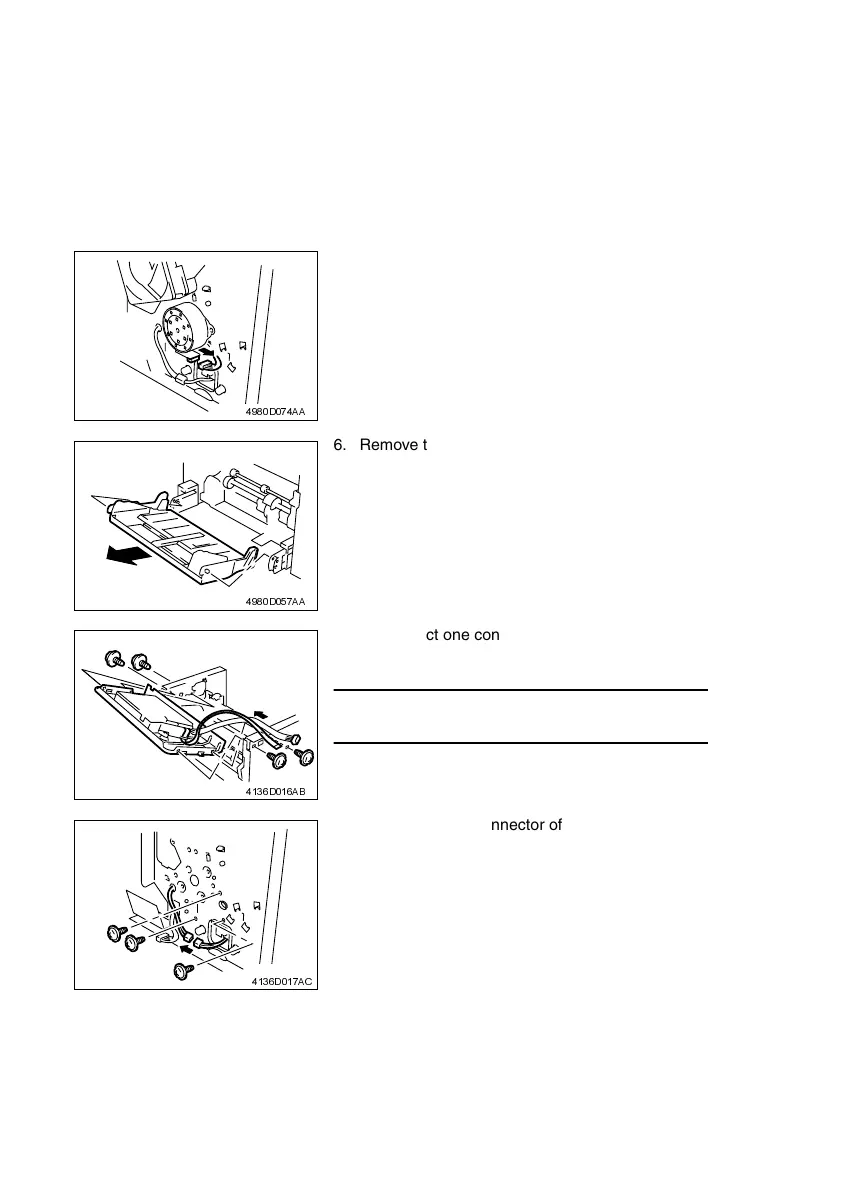
5. Disconnect one connector of the Main Motor.
☞ D-21
4980D074AA
6. Remove the Paper Lifting Plate Assy.
7. Remove two springs.
4980D057AA
8. Disconnect one connector and one flat cable
from the Controller/Mechanical Control Board.
NOTE
• Use utmost care not to snap off the flat cable.
9. Remove the Top Cover, then remove four screws
and the PH Base Plate Assy.
4136D016AB
10. Disconnect one connector of the Paper Take-Up
Solenoid.
11. Remove three screws and the Left Frame.
4136D017AC












 To Next Page