D-5
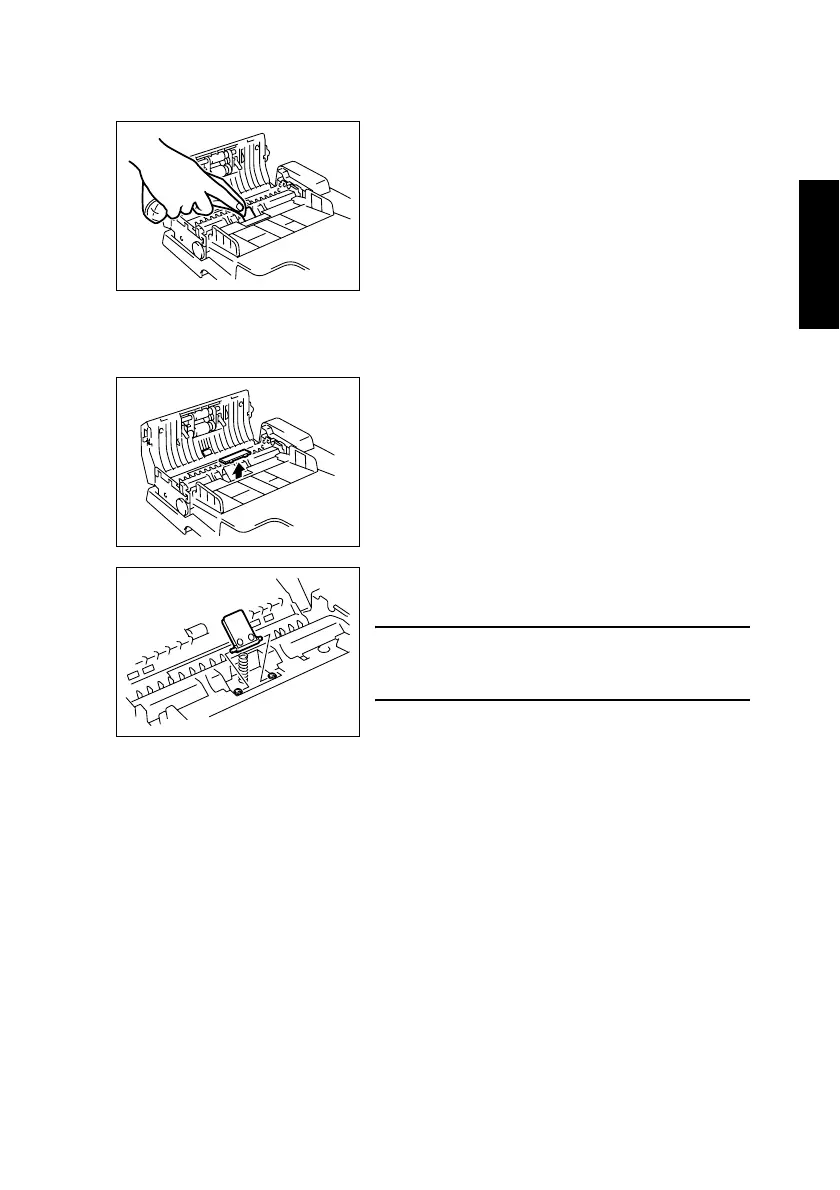
(8) Cleaning of the Paper Separator Pad
1. Open the Document Feeder Cover.
(9) Removal of the Paper Separator Pad
1. Open the Document Feeder Cover.
2. Using a soft cloth, wipe clean the surface of the
Paper Separator Pad.
1382E005AA
2. Remove the Paper Separator Cover.
1382E006AB
3. Loosen the two screws, and then remove the
Paper Separator Pad.
NOTE
• Be extremely careful not to lose the spring on the
Paper Separator Pad.
1382E007AA












 To Next Page