T- 2 1
(11) C13F0: Laser error
<Detection Timing>
<Troubleshooting Procedures>
(12) C1468: EEPROM error
<Detection Timing>
<Troubleshooting Procedures>
Description
• The laser output exceeds the upper limit value.
• The laser output remains lower than the lower limit value.
Relevant Electric Parts
PH Unit
Flat cable
Controller/Mechanical Control Board (PWB-P)
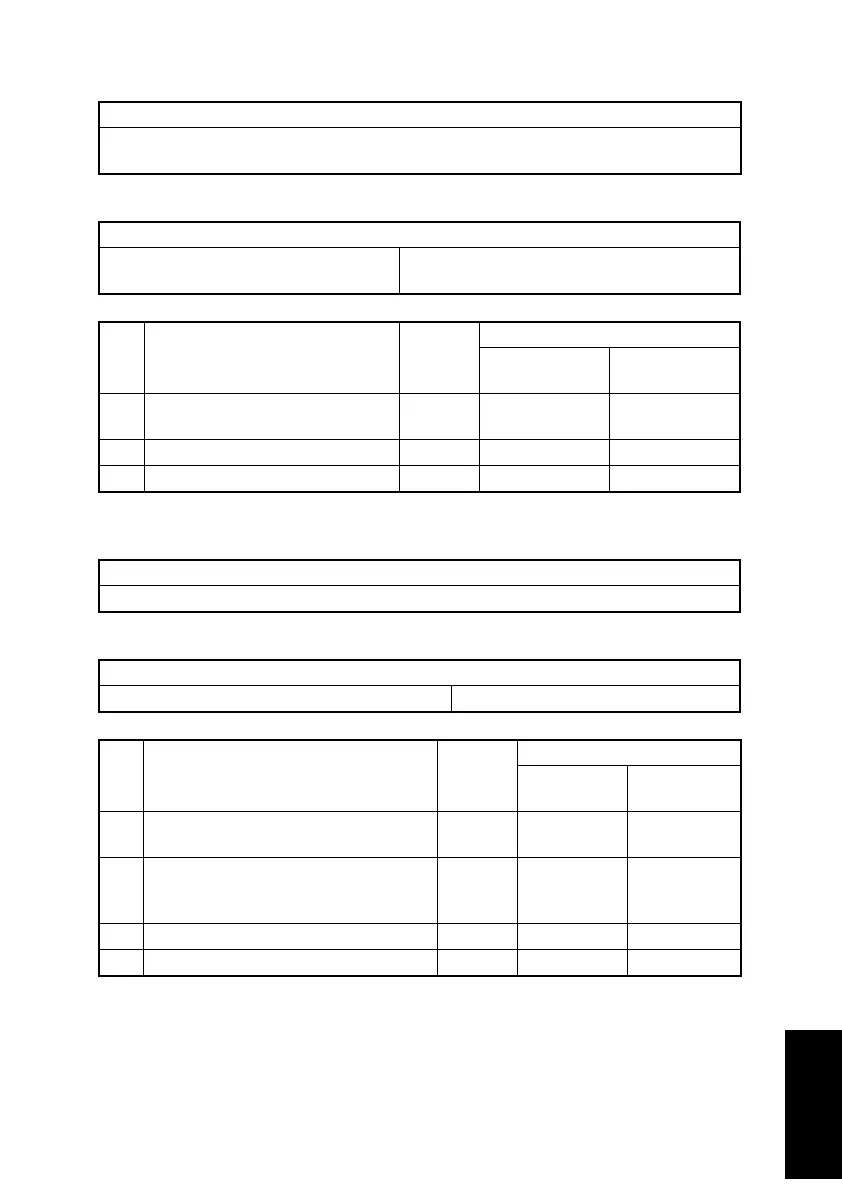
Step Action Ref. Page
WIRING DIAGRAM
Control Signal
Location
(Electric Parts)
1 Check cables for connection and
correct as necessary.
–– –
2 Replace PH Unit. –– –
3 Replace PWB-P. –– –
Description
• An EEPROM not written with initial data was detected.
Relevant Electric Parts
Controller/Mechanical Control Board (PWB-P)
Step Action Ref. Page
WIRING DIAGRAM
Control Signal
Location
(Electric Parts)
1 Unplug, then plug in the power cord, and
turn off the copier, then turn it on again.
–– –
2 Check the connection of the EEPROM
on the PWB-P, and then correct it if nec-
essary.
–– –
3Replace PWB-P. –– –
4 Replace EEPROM. –– –












 To Next Page