D-4
3-2. Removal of Circuit Boards
NOTE
• When removing a circuit board, refer to the precautions for handling printed circuit boards
and follow the corresponding removal procedures.
• The following removal procedures omit the removal of the applicable component from
connectors and circuit board supports.
• When it is necessary to touch ICs and other electrical components on the circuit board,
be sure to first ground yourself.
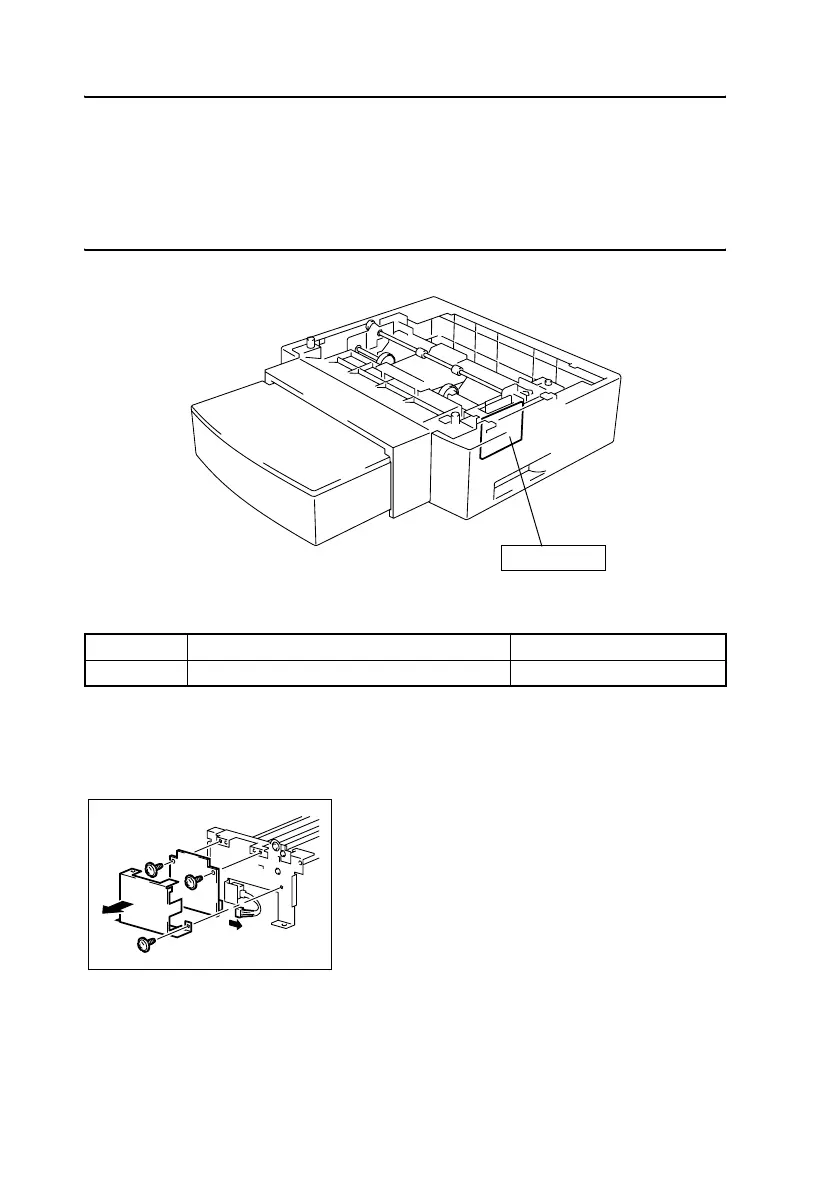
(1) Removal of the Paper Feed Cassette Control Board
1. Remove the Paper Feed Cassette Paper Take-Up Unit.
☞ D-5
Symbol Name Removal Procedure
PWB-A CAS Paper Feed Cassette Control Board ☞ D-4
PWB-A CAS
4516D002AA
2. Remove the screw, and then remove the cover.
3. Remove the two screws, unplug the connector,
and then remove the Paper Feed Cassette Con-
trol Board.
4136D005AA












 To Next Page