D-10
(1) Removal of the Controller/Mechanical Control Board
<Removal Procedures>
1. Remove the Rear Cover.
(2) Removal of the Control Panel
1. Remove the Exit tray.
☞ D-7
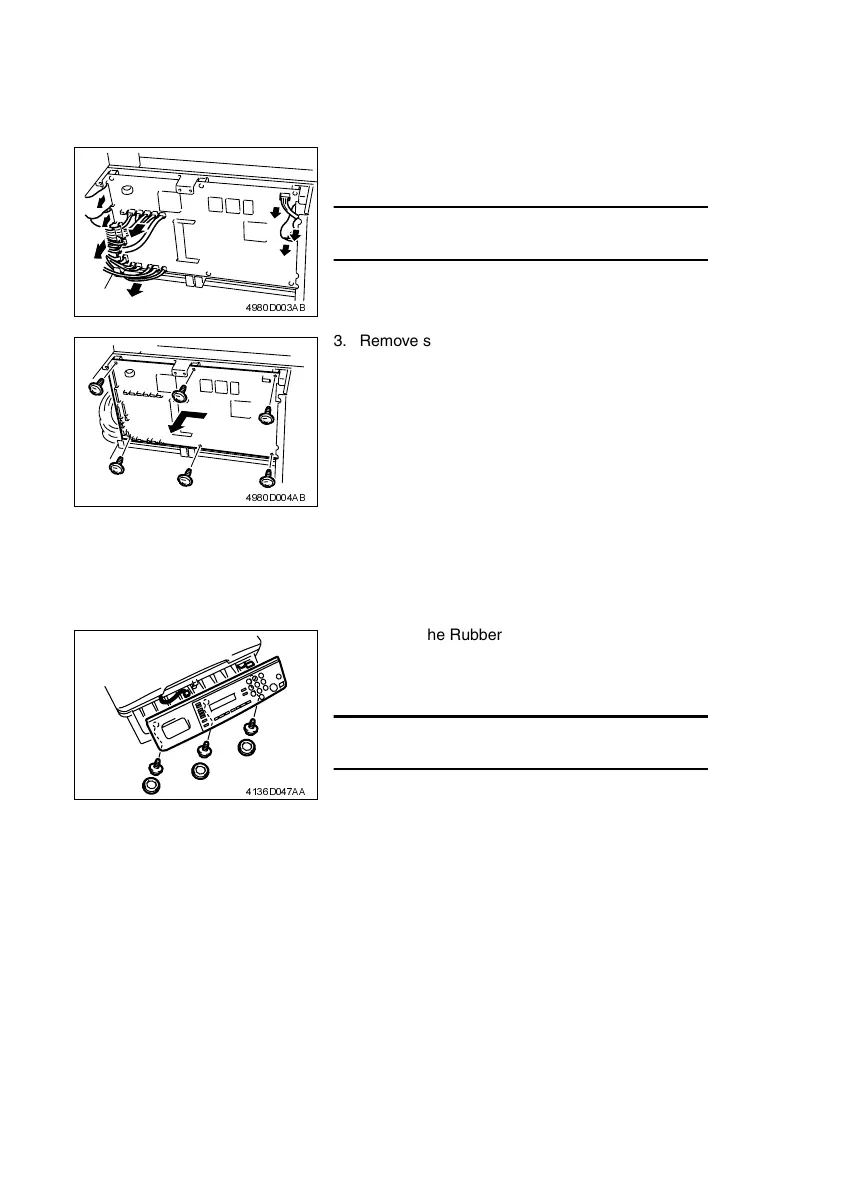
2. Disconnect all connectors and flat cables from
the Controller/Mechanical Control Board.
NOTE
• Use utmost care not to snap off the flat cable.
4980D003AB
3. Remove six screws and the Controller/Mechani-
cal Control Board.
4980D004AB
2. Remove the Rubber cap, then remove the three
screws, unplug one connector and one flat cable,
and then remove the Control Panel.
NOTE
• Use utmost care not to snap off the flat cable.
4136D047AA












 To Next Page