S-19
(4) Display
• Various information can be displayed.
(5) Function
• The service functions (paper feed test and image printing) can be checked and adjusted.
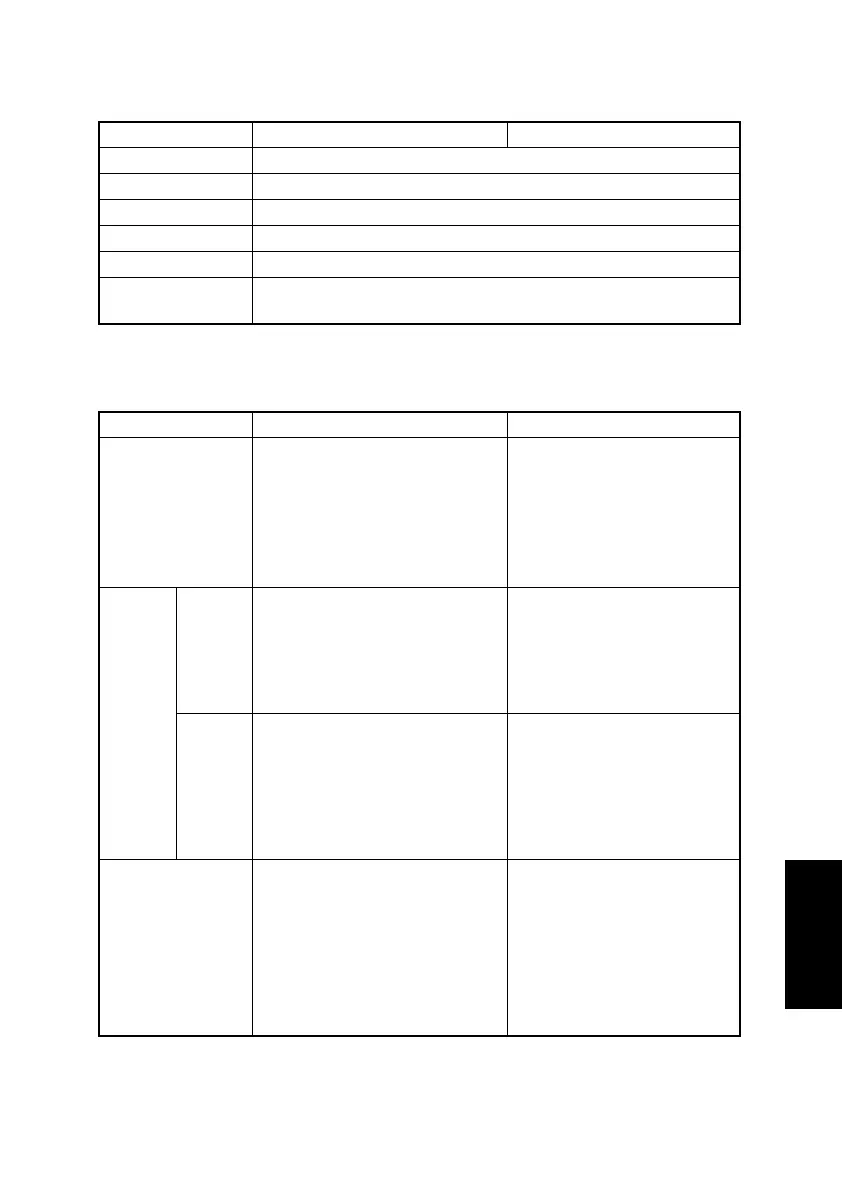
Function Purpose Setting Details/Precautions
MAIN F/W VER. To display the version of the main firmware.
ENGINE F/W VER. To display the version of the engine firmware.
MAIN RAM SIZE To display the size of the main memory.
SERIAL NO. To display the serial number of the main unit.
CUSTOMER ID To display the customer ID for the main unit.
TC TYPE
To display the type of Toner Cartridge that should be installed in the
main unit.
Function Purpose Setting Details/Precautions
PAPER FEED TEST
To check the paper feeding in the
paper take-up/transport sections
without printing on the paper.
✽ When a paper misfeed occurs
<Procedure>
1. Select the paper tray.
2. Press the Start key to begin
testing paper feeding.
3. Press the Stop key to stop
testing paper feeding.
PRINT
TEST
PAT-
TERN
TEST
PAT-
TERN 1
To print the test pattern for adjust-
ing the image.
✽ If there is tilt or when registration
or zoom ratio adjustments are
performed
<Procedure>
1. Select the paper tray.
2. Select the test pattern type.
3. Press the Start key to print
the test pattern.
TEST
PAT-
TERN 2
To print the test pattern for half-
tones and gradations.
✽ When checking density and
pitch irregularities
✽ When checking reproducibility of
gradations
<Procedure>
1. Select the paper tray.
2. Select the test pattern type.
3. Press the Start key to print
the test pattern.
ADF FEED TEST
To check the paper feeding in the
paper take-up/transport sections in
the Automatic Document Feeder.
✽ When a document misfeed
occurs
<Procedure>
1. Load paper into the Auto-
matic Document Feeder.
2. Press the Start key to begin
testing paper feeding.
3. Press the Stop key to stop
testing paper feeding.












 To Next Page