T- 2 9
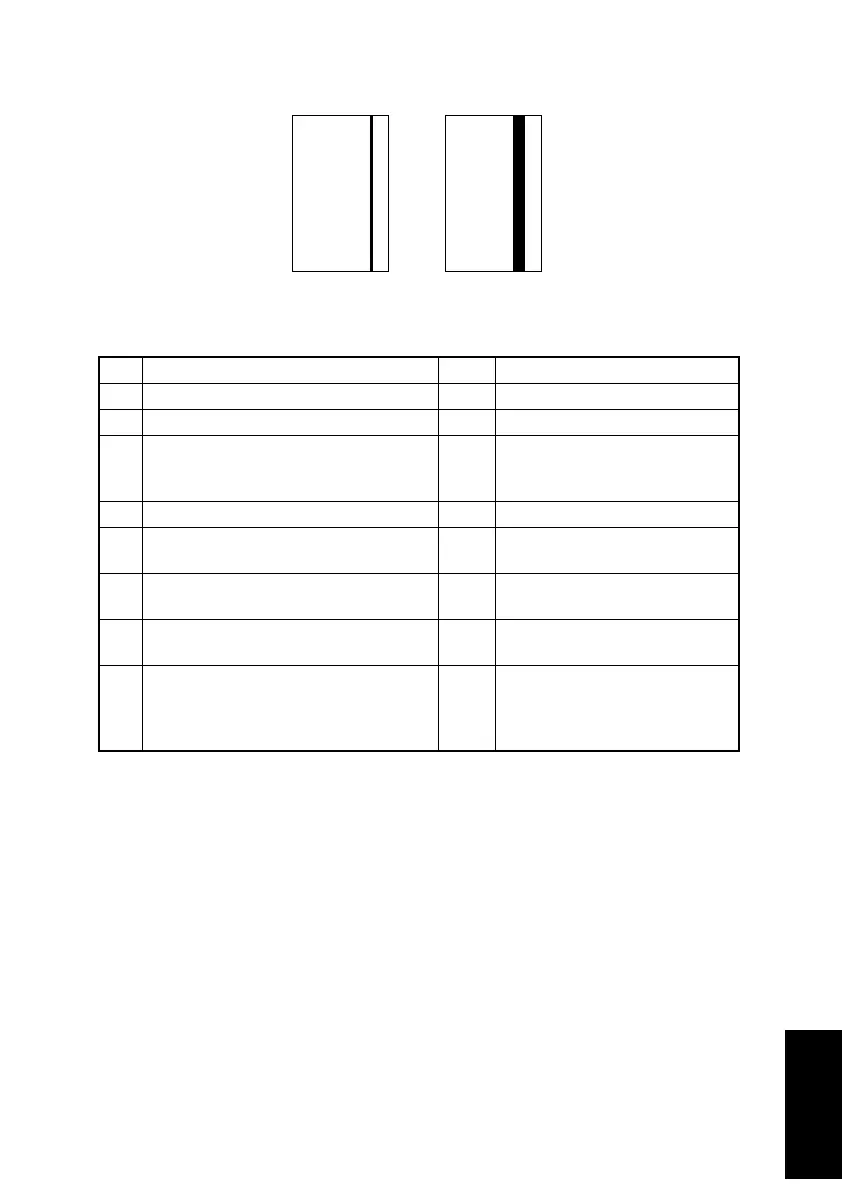
(4) Image reading system: Black streaks or bands
<Sample of Image Quality Problem>
<Troubleshooting Procedures>
Step Check Result Action
1 Is the document damaged or dirty? YES Replace the document.
2 Is the Original Pad dirty? YES Clean it.
3 Does the Original Cover not lie flat? YES If the Original Cover is deformed
or the hinges are damaged,
replace the Original Cover.
4 Is the surface of the Original Glass dirty? YES Clean it.
5 Are the Shading Sheet or back surface
of the Original Glass dirty?
YES Clean them.
6 Are the mirror or lens dirty? YES Clean them.
Replace the Scanner Assy.
7 Is the Exposure Lamp dirty? YES Clean it.
Replace the Scanner Assy.
8 Are there no bent connector pins on the
cables connecting the control boards,
are all connectors correctly plugged in,
and are no cables broken?
NO Correctly plug in the connectors.
Replace connection cables.
4011T017AA 4011T023AA












 To Next Page