T- 3 2
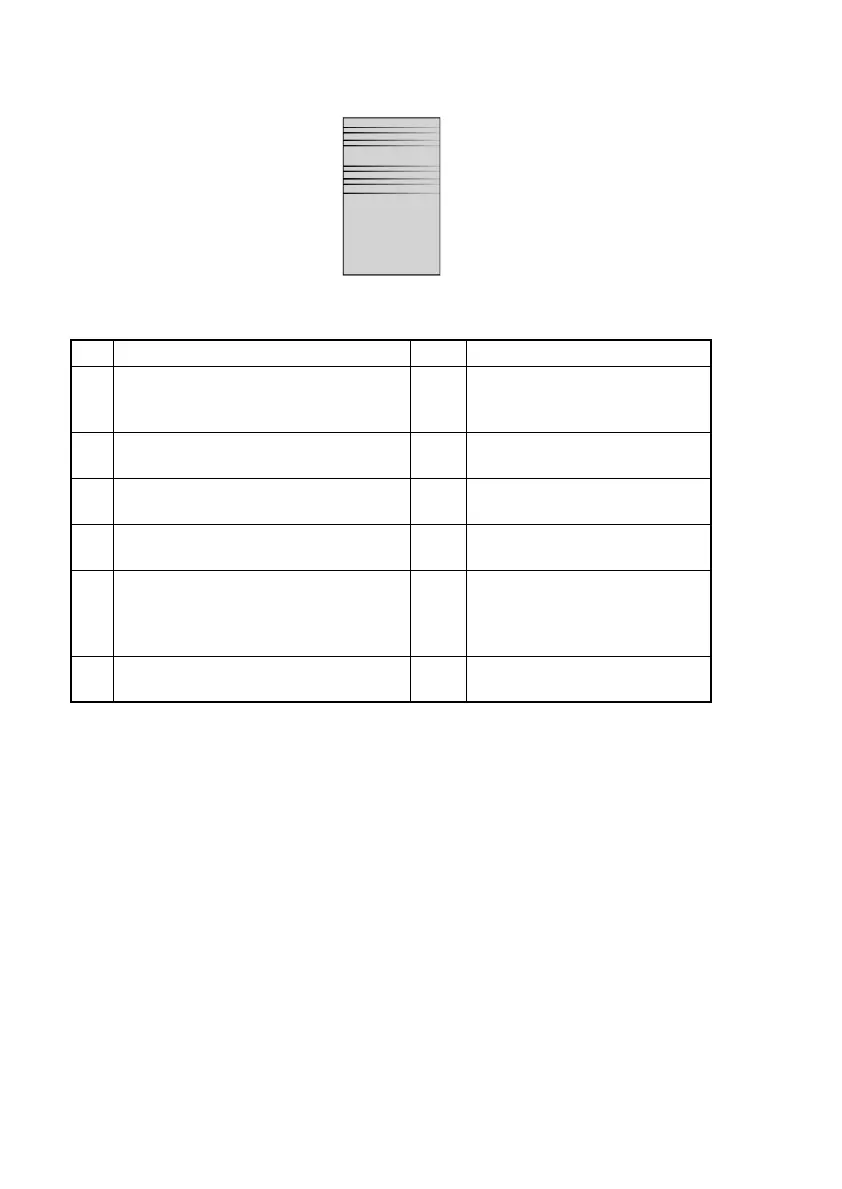
(7) Image reading system: Uneven image
<Sample of Image Quality Problem>
<Troubleshooting Procedures>
Step Check Result Action
1 Is the Scanner Motor drive being trans-
mitted?
NO Correct drive coupling mecha-
nisms.
Replace it.
2 Is the harness of the Exposure Lamp
catching?
YES Correct it.
3 Is there enough slack in the Timing Belt? NO Correct it.
Replace the Timing Belt.
4 Are the Scanner Rails scratched or
dirty?
YES Clean them.
5 Are there no bent connector pins on the
cables connecting the control boards,
are all connectors correctly plugged in,
and are no cables broken?
NO Correctly plug in the connectors.
Replace connection cables.
6 The problem has been eliminated after
performing step 5.
NO Replace the Scanner Assy.
Replace the IR Unit.
4011T528AA












 To Next Page