D-18
3-4. Disassembly of the Image Reading Section
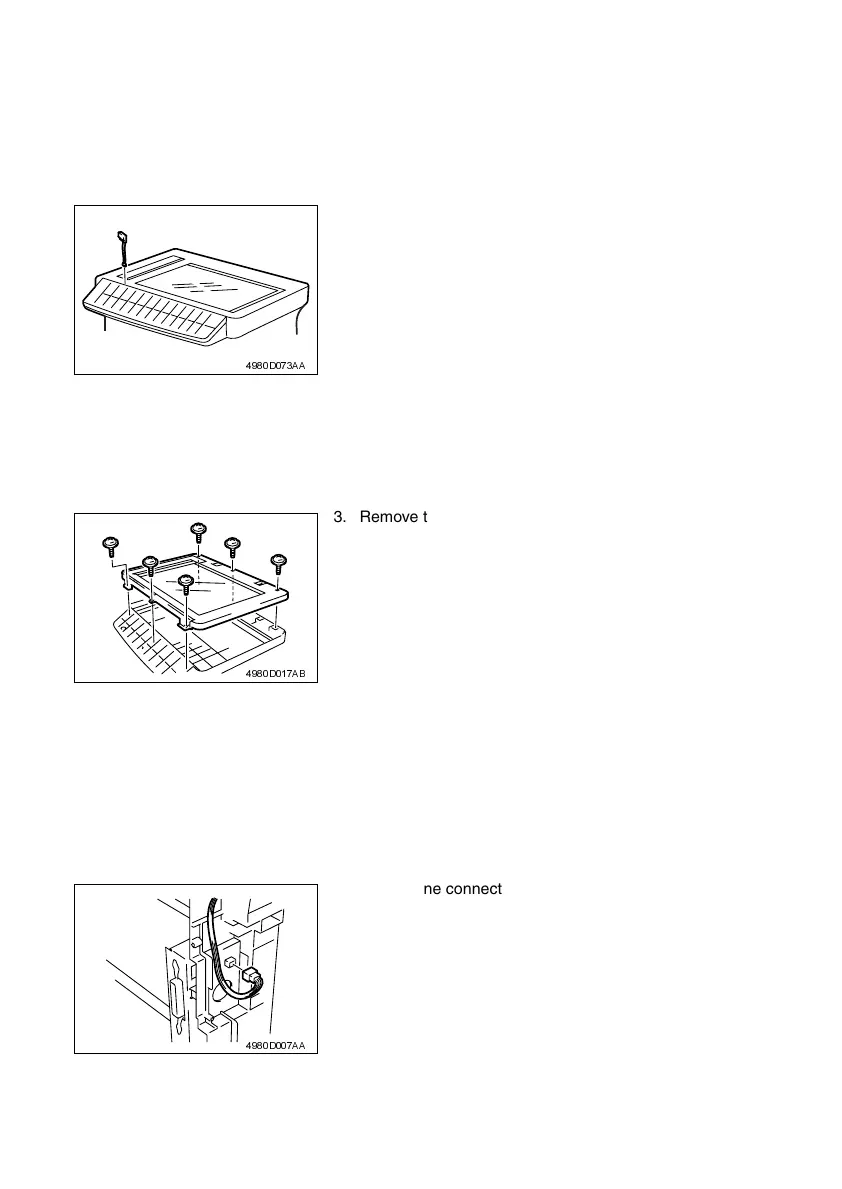
(1) Removal of the Original cover set sensor
1. Remove the Original Cover.
2. Remove the Control Panel.
☞ D-7
(2) Removal of the Upper Cover Assy. (Original Glass)
1. Remove the Original Cover.
2. Remove the Control Panel.
☞ D-7
(3) Removal of the Scanner Motor
1. Remove the Original Cover.
2. Remove the Upper Cover Assy. (Original Glass).
☞ D-18
3. Remove the Left Cover.
☞ D-7
3. Remove the Original cover set sensor.
4980D073AA
3. Remove the six screws, and remove the Upper
Cover Assy. (Original Glass).
4980D017AB
4. Unplug one connector from the Scanner Motor.
4980D007AA












 To Next Page