D-4
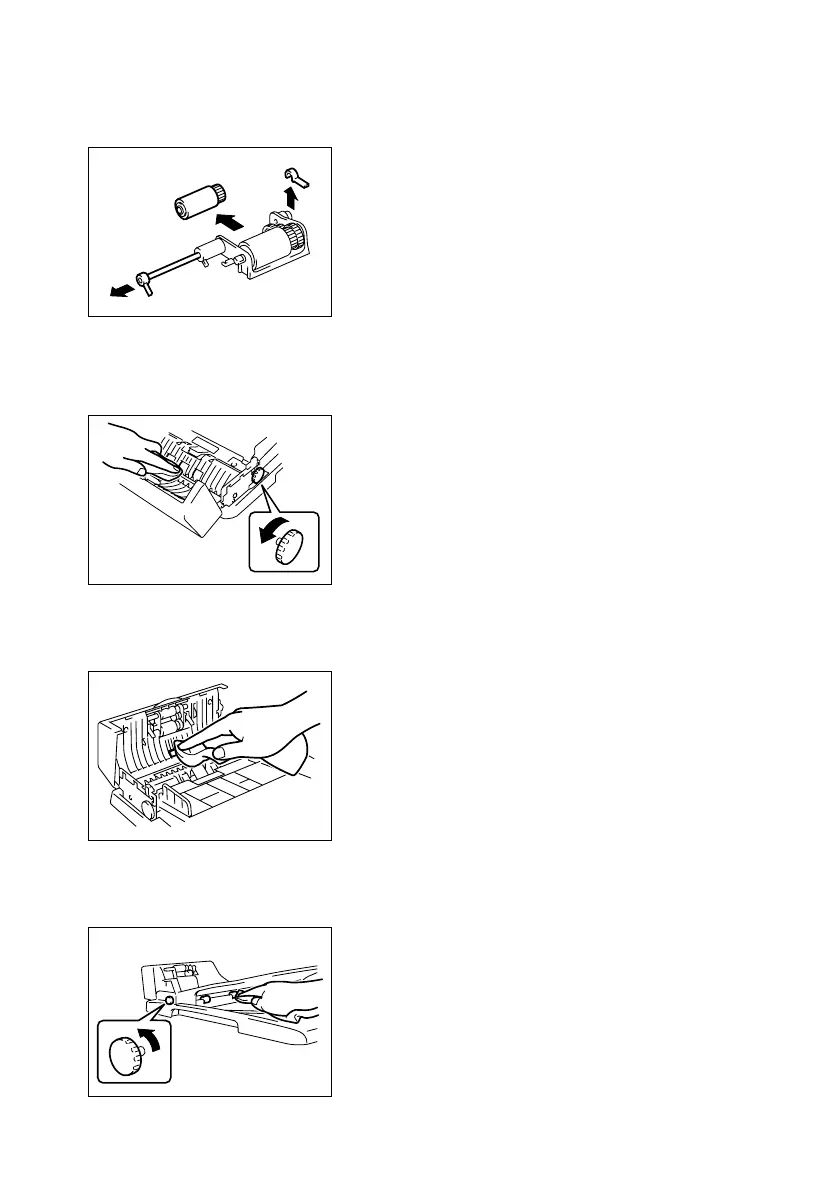
(4) Removal of the Pick-Up Roller
1. Remove the Pick-Up Roller/Paper Take-Up Roller Assy.
☞ D-2
(5) Cleaning of the Registration Rollers
1. Open the Document Feeder Cover.
(6) Cleaning of the Transport Roller
1. Open the Document Feeder Cover.
(7) Cleaning of the Exit Roller
1. Open the Document Feeder Cover.
2. Remove the Pick-Up Roller.
1382E011AA
2. While turning the Document Feed Knob in the
direction shown in the illustration, use a soft cloth
to wipe clean the Registration Rollers.
1382E014AB
2. Using a soft cloth, wipe clean the surface of the
Transport Roller.
1382E003AA
2. While turning the Document Feed Knob in the
direction shown in the illustration, use a soft cloth
to wipe clean the Exit Roller.
1382E015AB












 To Next Page