D-3
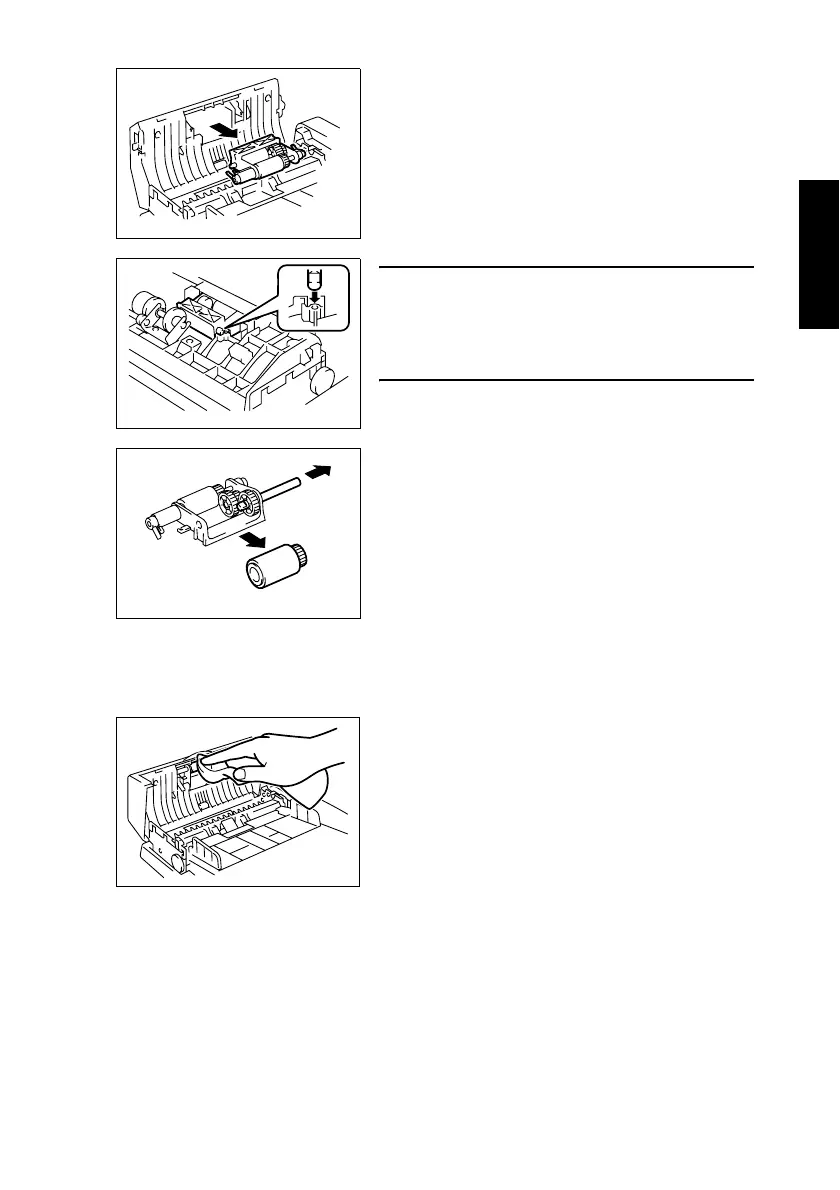
(3) Cleaning of the Pick-Up Roller
1. Open the Document Feeder Cover.
5. Remove the Pick-Up Roller/Paper Take-Up Roller
Assy.
1382E009AA
NOTE
• When installing the Pick-Up Roller/Paper Take-Up
Roller Assy., make sure that the notch in the shaft
of the Paper Take-Up Roller is positioned on the
top.
1382E013AC
6. Remove the Paper Take-Up Roller.
1382E010AA
2. Using a soft cloth, wipe clean the surface of the
Pick-Up Roller.
1382E001AA












 To Next Page