M-27
(3) Temperature control mode
The fusing temperature is controlled during a print cycle according to the period of time
elapsed from the completion of the warm-up cycle.
• Mode 0
Mode 1 lasts for 3 min. If the temperature detected by the Thermistor is 50 °C or more
when mode 0 is interrupted, the operation is switched to mode 1. Mode 1 starts when
mode 0 is completed.
• Mode 1
Mode 1 lasts for 5 min. During this period, the printing temperature is gradually
decreased. As the printing temperature is reduced down to a predetermined level, mode
1 is completed and mode 2 starts.
• Mode 2
Mode 2 lasts for 208 sec.
• Mode 3
Mode 3 continues until the temperature control is interrupted (by opening and closing the
Front Door, etc.).
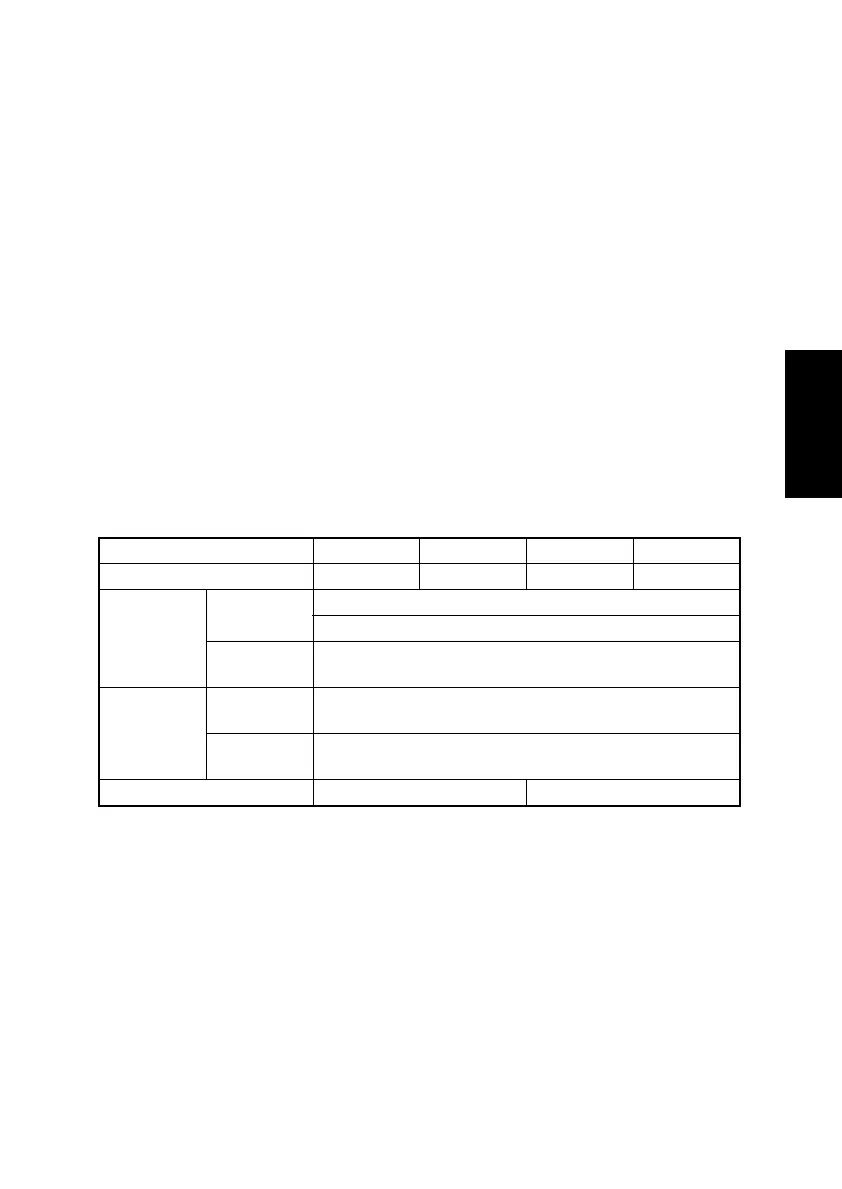
(4) Printing temperature by paper type in different temperature control modes
*1: Inferior fusing performance can at times result from plain paper (having a length of 186
mm or more) with the standard fusing temperature setting (200 °C). The “FUSER
TEMP Ad” setting of Tech. Rep. Choice available from the Tech. Rep. Mode can there-
fore be used to set a higher fusing temperature.
Mode 0 Mode 1 Mode 2 Mode 3
Standby 200 °C130 °C130 °C130 °C
Plain paper
186 mm or
more
200 °C (standard)
215 °C → 200 °C (set in Tech. Rep. Mode) *1
Less than
186 mm
200 °C → 190 °C
Thick paper,
envelopes,
postcards
186 mm or
more
205 °C → 215 °C
Less than
186 mm
205 °C
OHP 185 °C 185 °C → 175 °C












 To Next Page