D-8
3-3. Disassembly
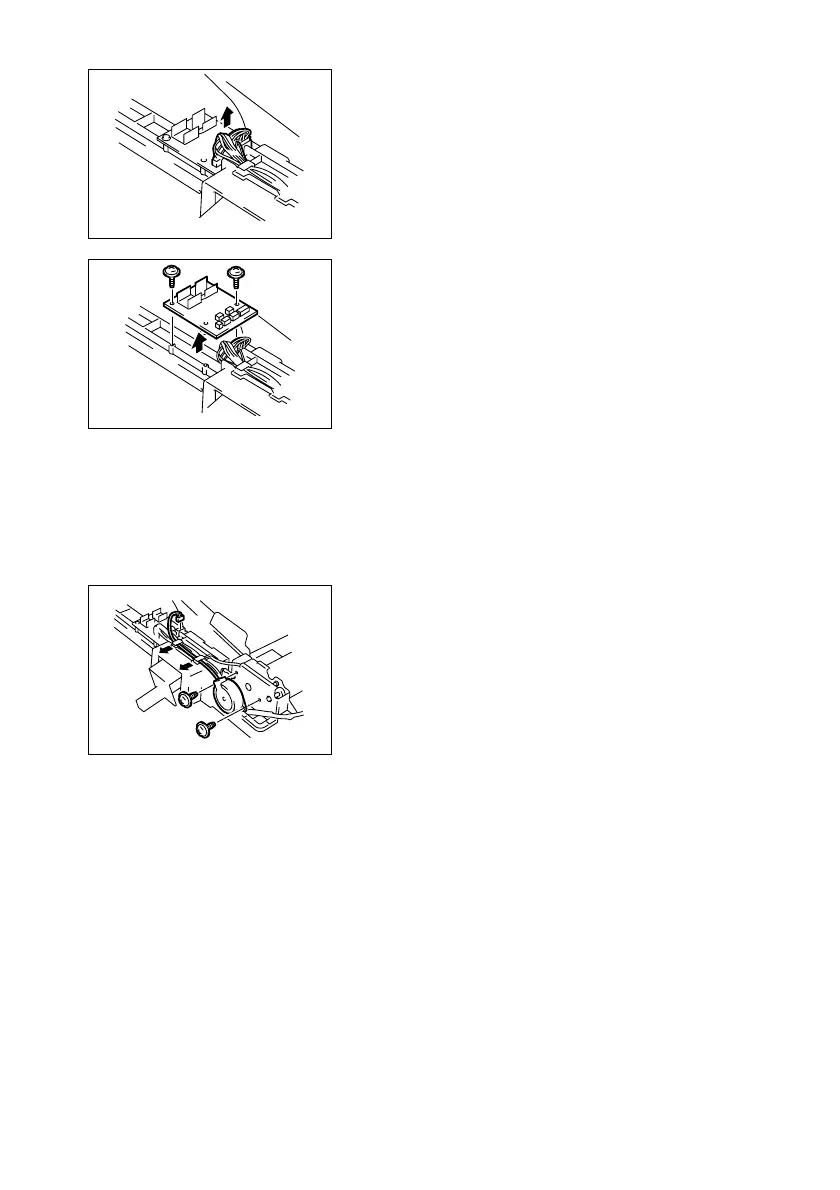
(1) Removal of the Automatic Document Feeder Main Motor
1. Remove the Rear Cover.
☞ D-6
2. Unplug all connectors connected to the circuit
board.
1382D003AA
3. Remove the two screws, and then remove the
Automatic Document Feeder Control Board.
1382D004AB
2. Unplug the connector on the Automatic Docu-
ment Feeder Control Board.
3. Remove the two screws, and then remove the
Automatic Document Feeder Main Motor.
1382D005AA












 To Next Page