T- 3 6
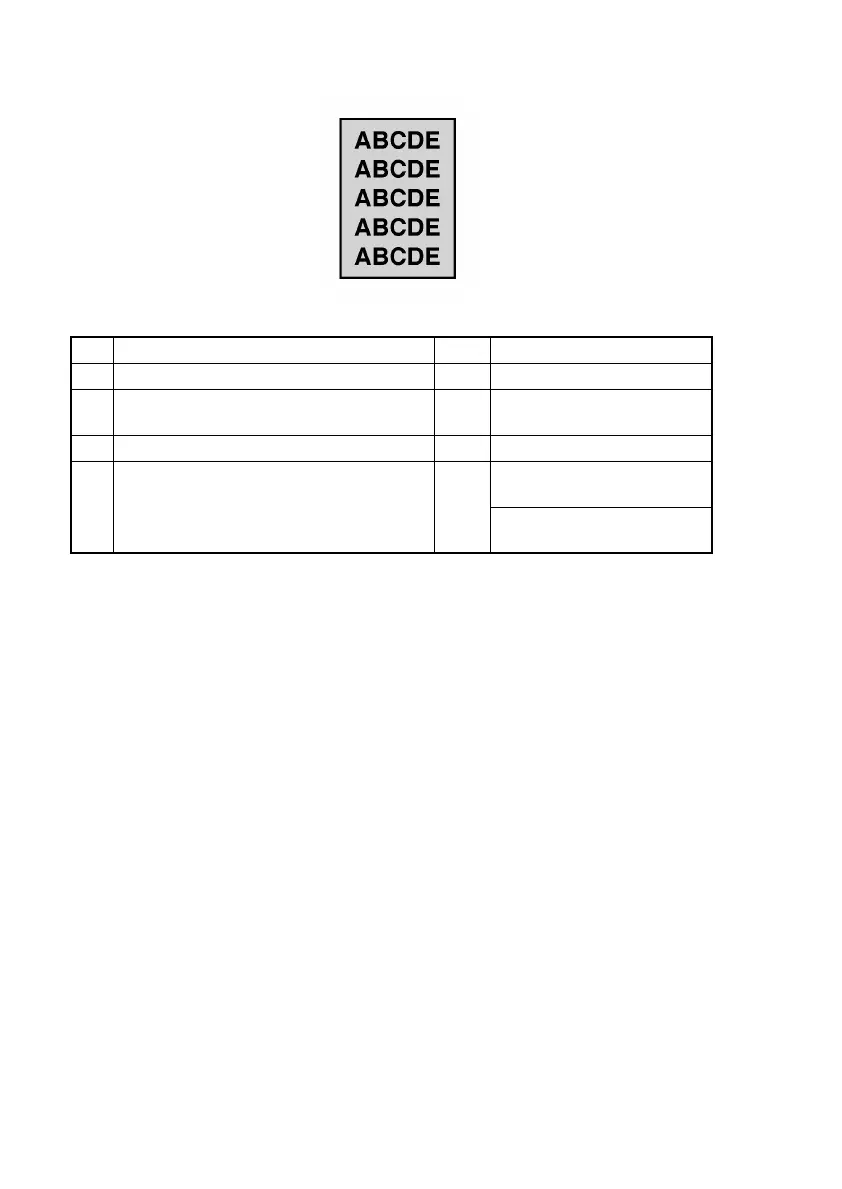
(12) Printer system: Foggy background
<Typical Faulty Image>
<Troubleshooting Procedures>
Step Check Result Action
1 Is PC Drum scratchy? YES Replace Drum Cartridge.
2 Is developing bias contact terminal in good
contact with the mating part?
NO Clean contact terminal or
check terminal position.
3 Is PH window dirty? YES Clean.
4 Is the problem eliminated after checks have
been made up to step 3?
NO Replace High Voltage Unit
(HV1).
Replace Controller/Mechani-
cal Control Board (PWB-P).
4011T004AA












 To Next Page