T- 2 3
4. MALFUNCTIONS RELATED TO POWER SUPPLY
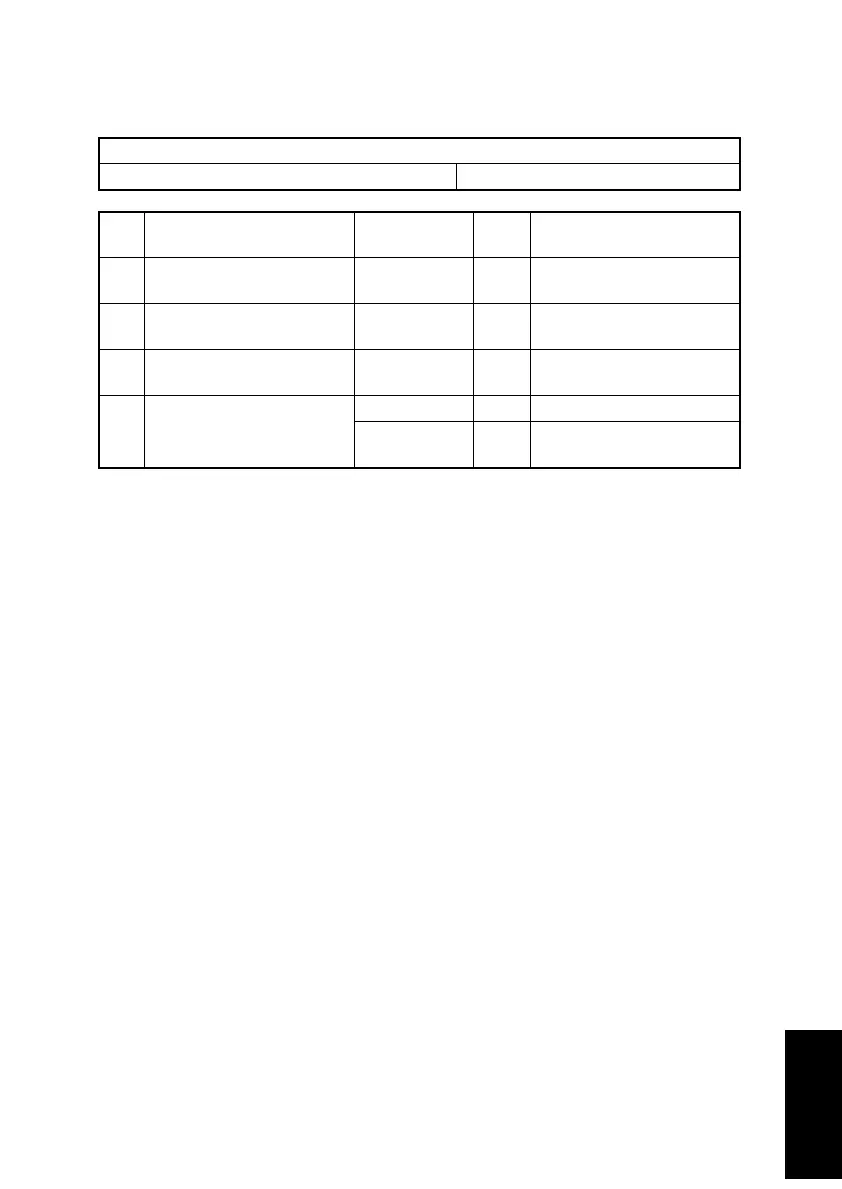
4-1. Power is not Turned ON.
Relevant Electric Parts
Controller/Mechanical Control Board (PWB-P) Power Unit (PU1)
Step Check
Wiring Diagram
(Location)
Result Action
1 Is the power cord plugged
into the power outlet?
– NO
Plug the power cord into the
power outlet.
2 Is the power cord connected
properly to the printer?
– NO
Plug the power cord into the
printer.
3 Is the Power Switch turned
ON?
– NO
Turn ON the Power Switch.
4 Are the fuses (F101 and
F102) on the Power Unit
conducting?
– NO Replace Power Unit (PU1).
– YES
Replace Controller/Mechan-
ical Control Board (PWB-P).












 To Next Page