D-46
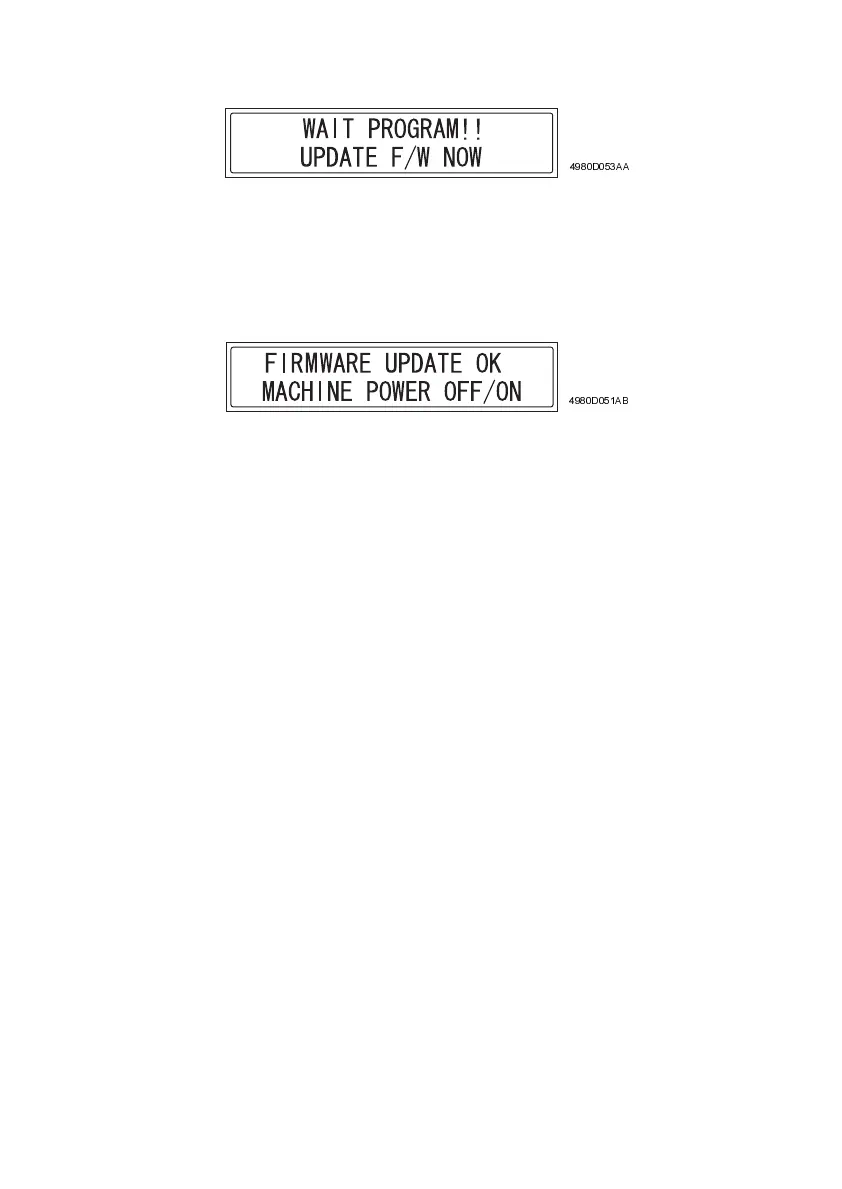
8. Turn on the printer. The following message appears in the display.
9. Perform steps 6 through 10 of “Procedure for Updating the GDI Firmware” to update the
firmware.
10. Check that the following message appears in the display to indicate that the updating of
the firmware has been completed correctly.
11. Turn off the printer.
12. Change the settings for jumper switches CJ1 and CJ2 on the Controller/Mechanical
Control Board from “2-3” to “1-2”. (Return them to their default settings.)
13. Remove Service Download BIOS U19 and U26 from memory sockets U19 and U26 on
the Controller/Mechanical Control Board.
14. Turn on the printer.
4980D053AA
4980D051AB












 To Next Page