T- 1
1. INTRODUCTION
• This chapter contains the items required or used when troubleshooting various printer
problems.
1-1. Electric Components Check Procedures
• The following procedures can be used to check to see if an electric component is fully
operational when a paper misfeed or a malfunction occurs in the printer.
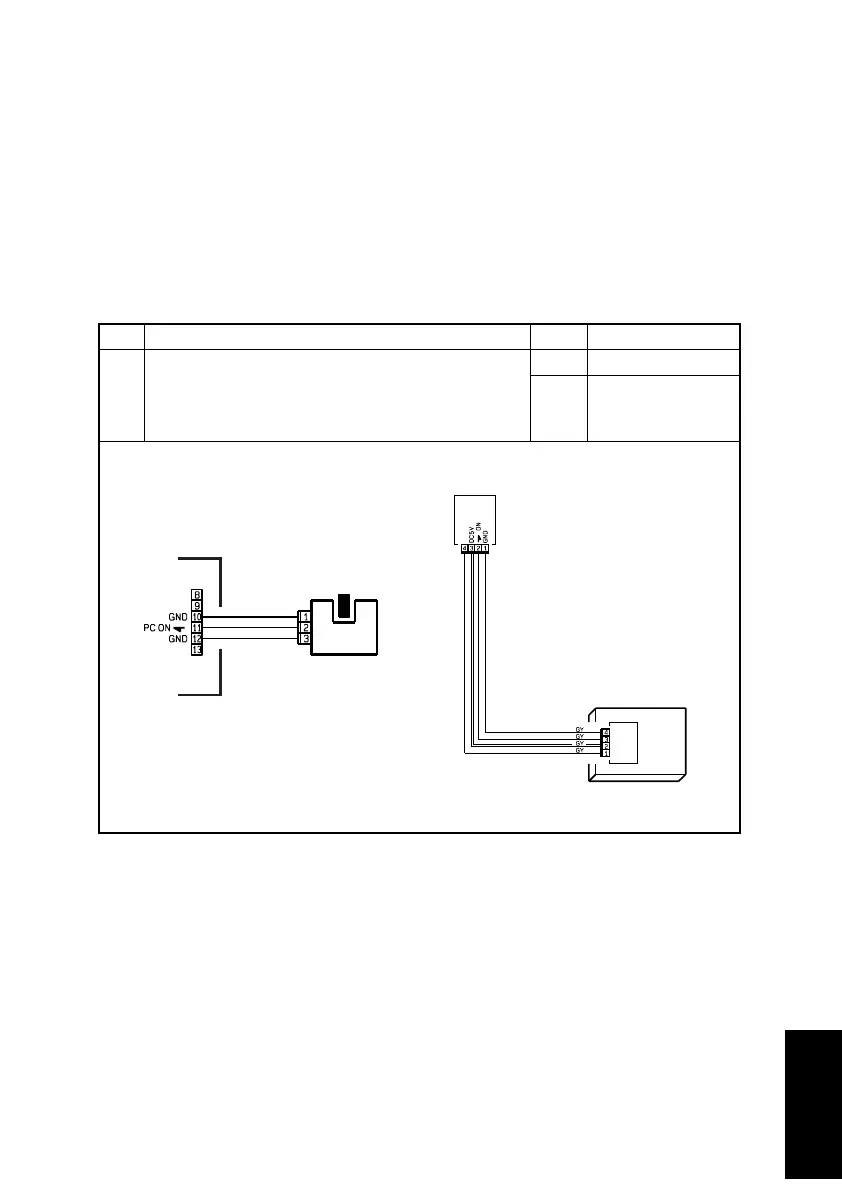
(1) Sensors
Step Check Result Action
1
Does the input signal to the Controller/Mechanical
Control Board go from HIGH to LOW, or vice versa,
when the sensor is blocked?
NO Replace the sensor.
YES
Replace the Con-
troller/Mechanical
Control Board.
4025T520AA
4025T521AA












 To Next Page