T- 7
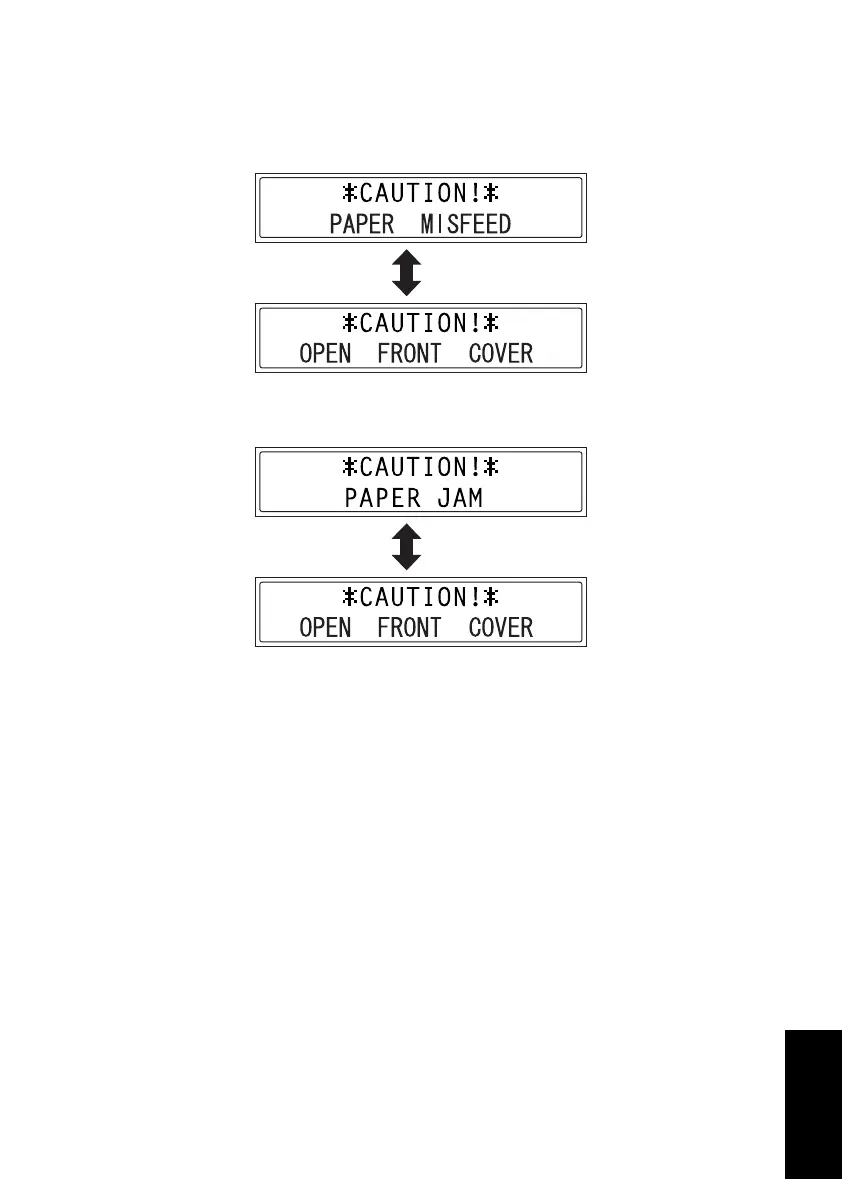
2-2. Paper Misfeed Displays
• The Error indicator lights up and a message appears in the display when a paper mis-
feed occurs.
<Paper Take-Up Section Misfeed>
<Transport Section Misfeed>
<Procedure for cancelling the misfeed display>
1. Open the appropriate covers, remove the misfed paper and any remaining paper, and
then close the covers.
2. Open, then close the Front Door.
4980P555DA
4980P502DA












 To Next Page