Part II: Settings and Measurements
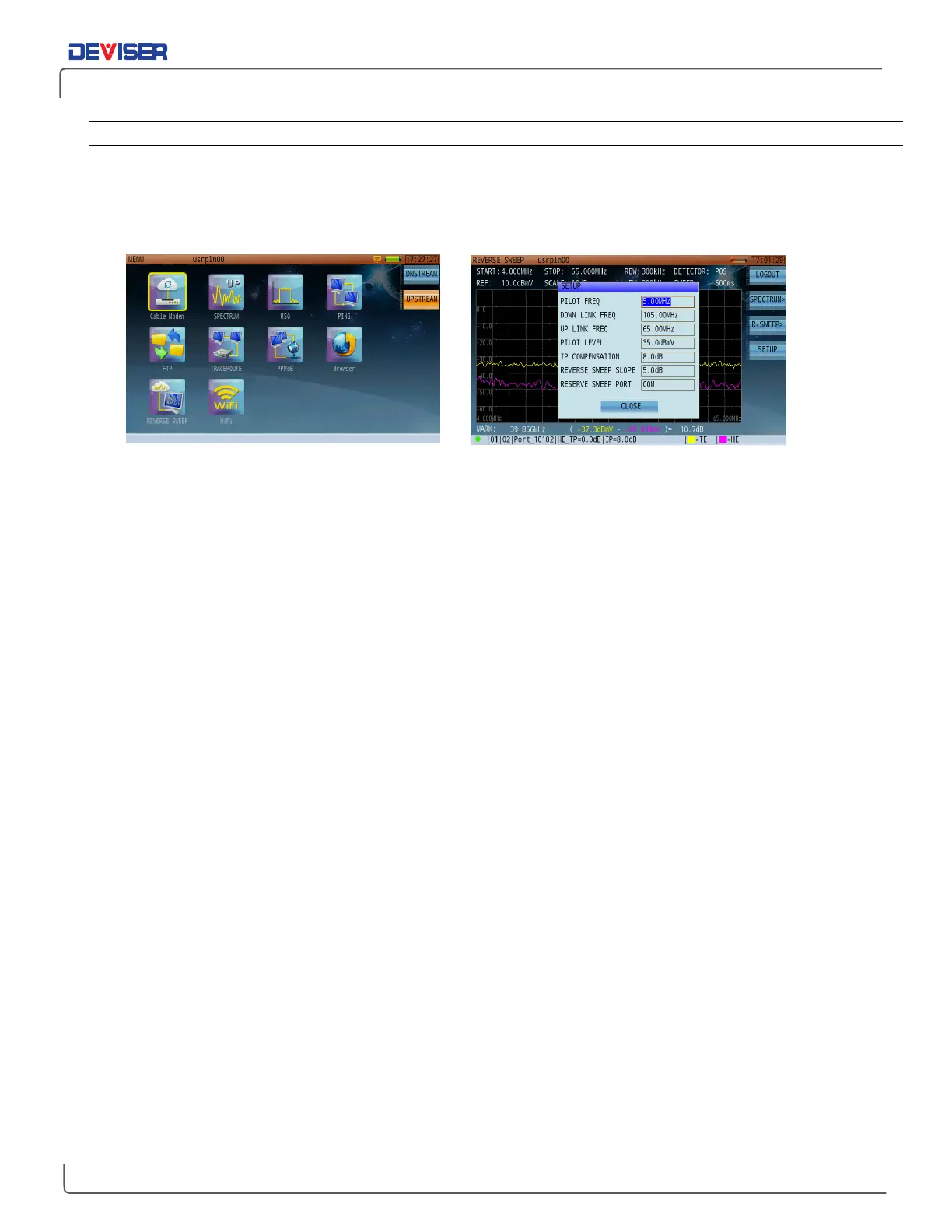
12-3.2 DS2831 Sweep Parameters Setting
1.
From the
Home
menu, press
Upstream
(F2) and use the rotary knob to open the Reverse Sweep mode.
2.
In this mode, press
Setup
(F4). Configuring Reverse Sweep involves setting 6 different communication
parameters: Pilot Frequency, Down Link Frequency, Up Link Frequency, Pilot Level, IP Compensation
(Insertion point compensation), Reverse Sweep Slope and Reverse Sweep Port.
DS2831 Main Menu – (reverse sweep) DS2831 Reverse Sweep Communication Settings



 To Next Page