USING THE CORE VOCABULARY OVERLAY
ECO Manual
103
11. Select the Change Label key.
12. Type in CAMP or CAMPING and select OK.
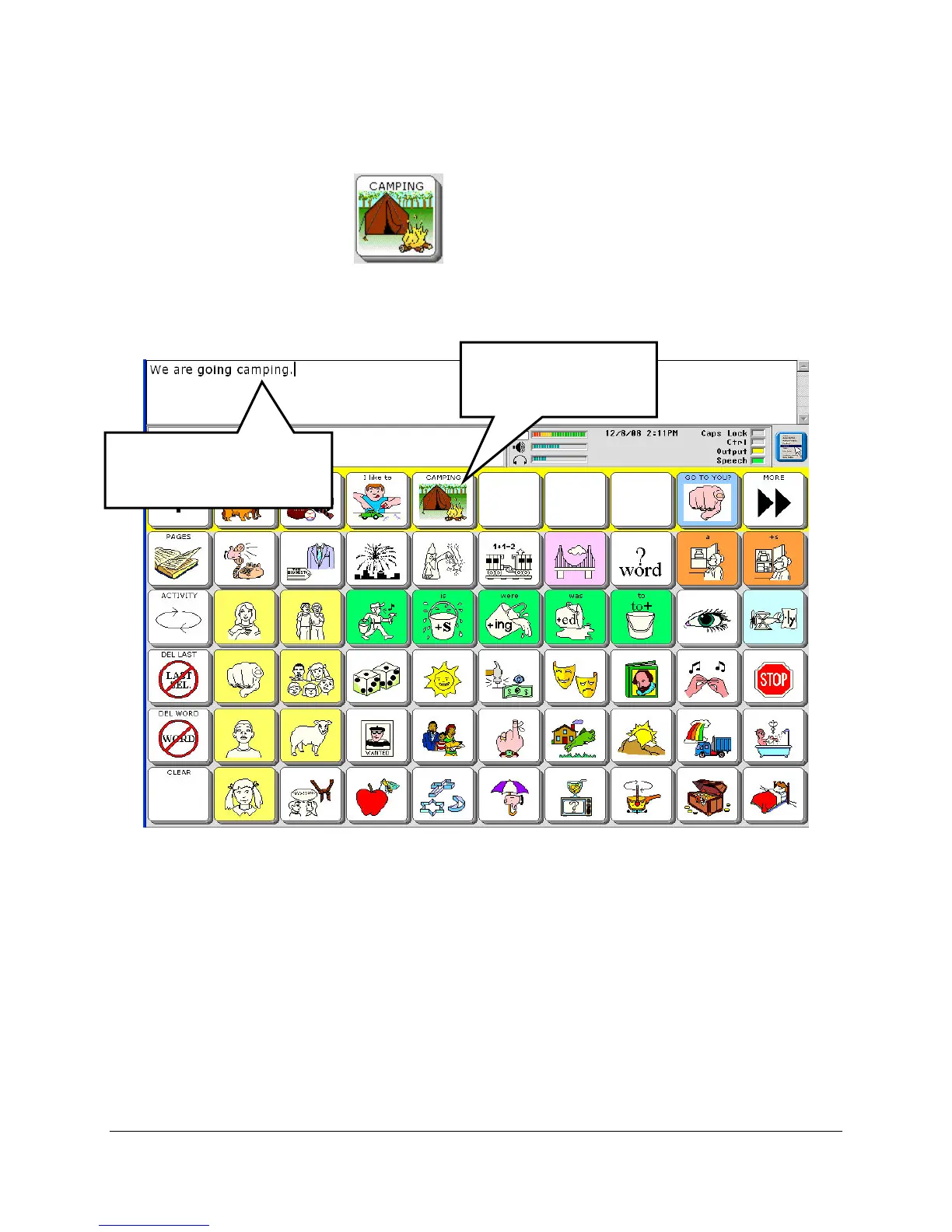
Now your key looks about right. If you want to add a background color to it, select
Change Key Color and select a color.
13. Select the OK key.
You have stored a computer speech message and created a key for it! You can erase the message
by reading the instructions on the next page. Or you can go to the Modify Activity chapter and
learn how to add an icon to the key, change the label of the key and many other options.
Your device speaks the
message.
Select your new
key.



 To Next Page