PAGES
ECO Manual
134
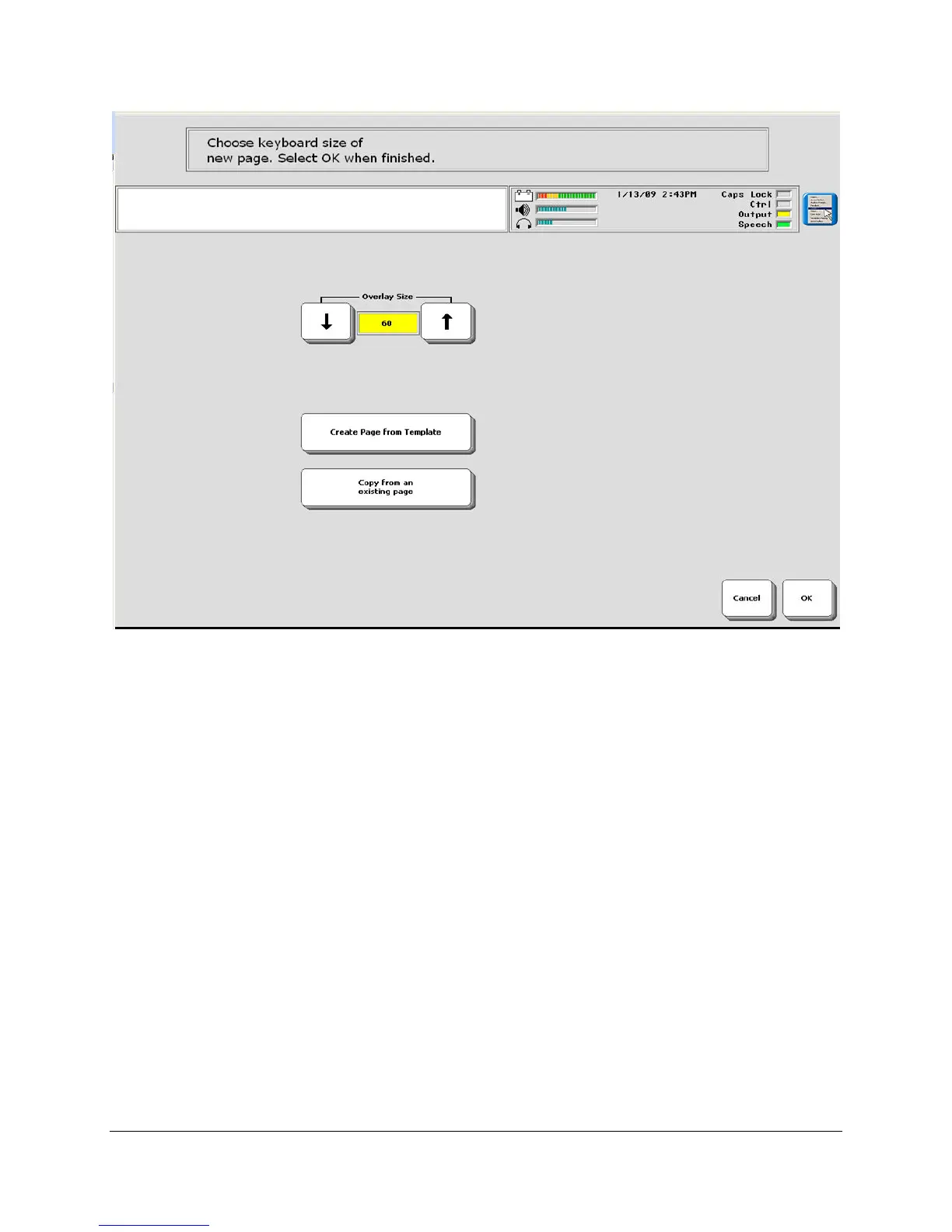
Create Page from Template
4. If you select Create Page from Template you will see either the default template for your
User Area or a template you selected from the USER AREA MENU.
Copy from another Page
4. If you want to copy the format of an already create Page, select the Copy from another
Page option, then select the Page you want to copy.
Overlay Size
4. If you do not want a template, you can select the overlay size you want and then select OK to
see a blank overlay in the size you selected.
5. On the new overlay, select the first key you want to define. You see the menu that allows you
to create a Page



 To Next Page