MAINTENANCE MENU
Eco Manual
203
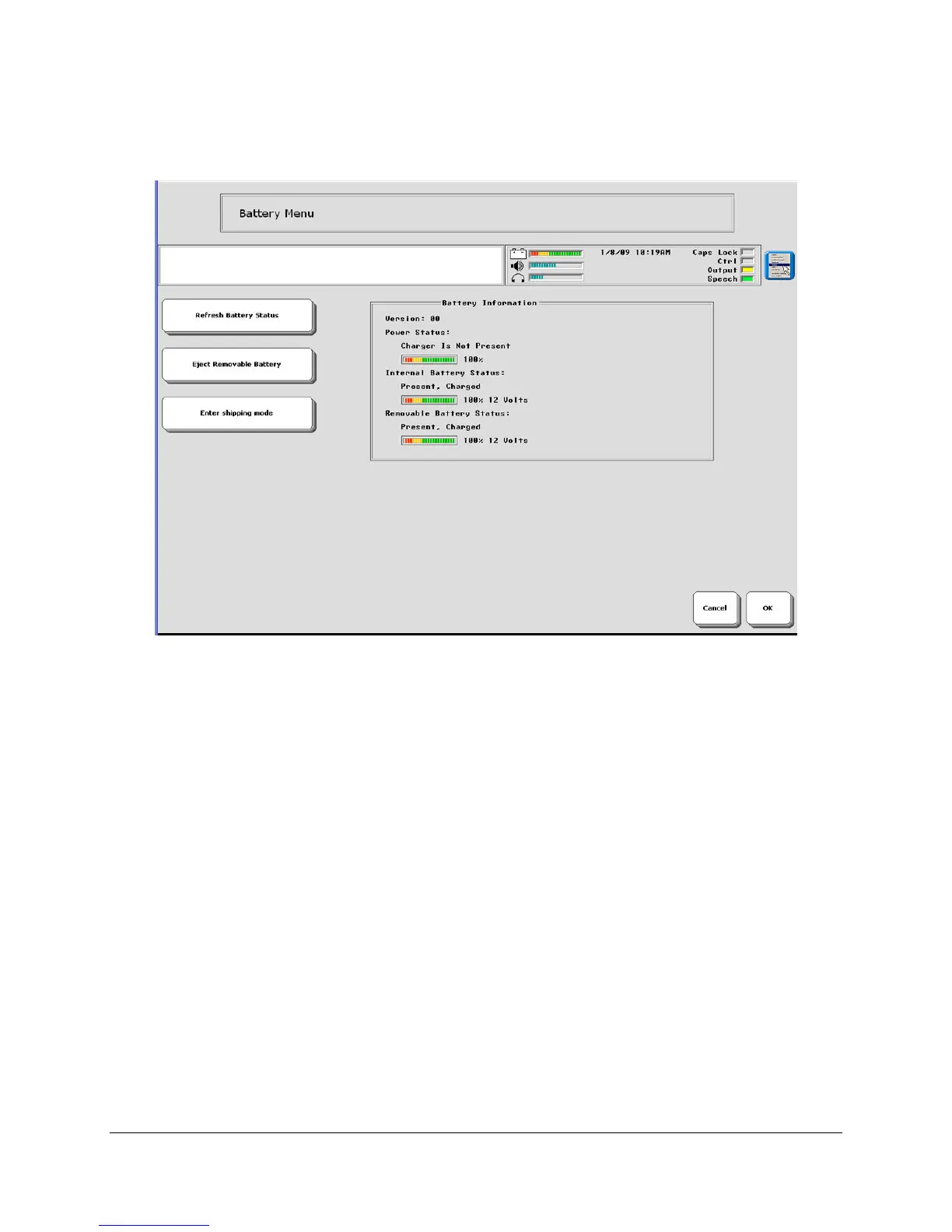
Battery Menu
Refresh Battery Status
Select this option when you want to make sure the information in the Battery Information box is
up to date.
Eject Removable Battery
This option allows you to eject the removable battery from the ECO case.
Inside your device there are two batteries; one of these batteries is removable. With normal use
of your device you will probably never have to remove the battery. If you find that you are using
your device to the extent that you can't keep your removable battery charged long enough for
your use, you can purchase a second removable battery and battery charger from PRC. You can
then keep a full battery handy and replace the low battery with the full one.
To Remove the Battery:
Remove the battery door on the right side of the case before you begin.
1. Select the
Eject Removable Battery option.



 To Next Page