APPENDIX D: MODIFY SCAN PATTERN
Eco Manual
287
Block Scanning In Context Scenes
One of the more powerful uses of customizable block scanning is with scenes. Because each
scene is likely to contain different key elements in a variety of positions, you might want to scan
each specific element rather than use a regular row/column approach.
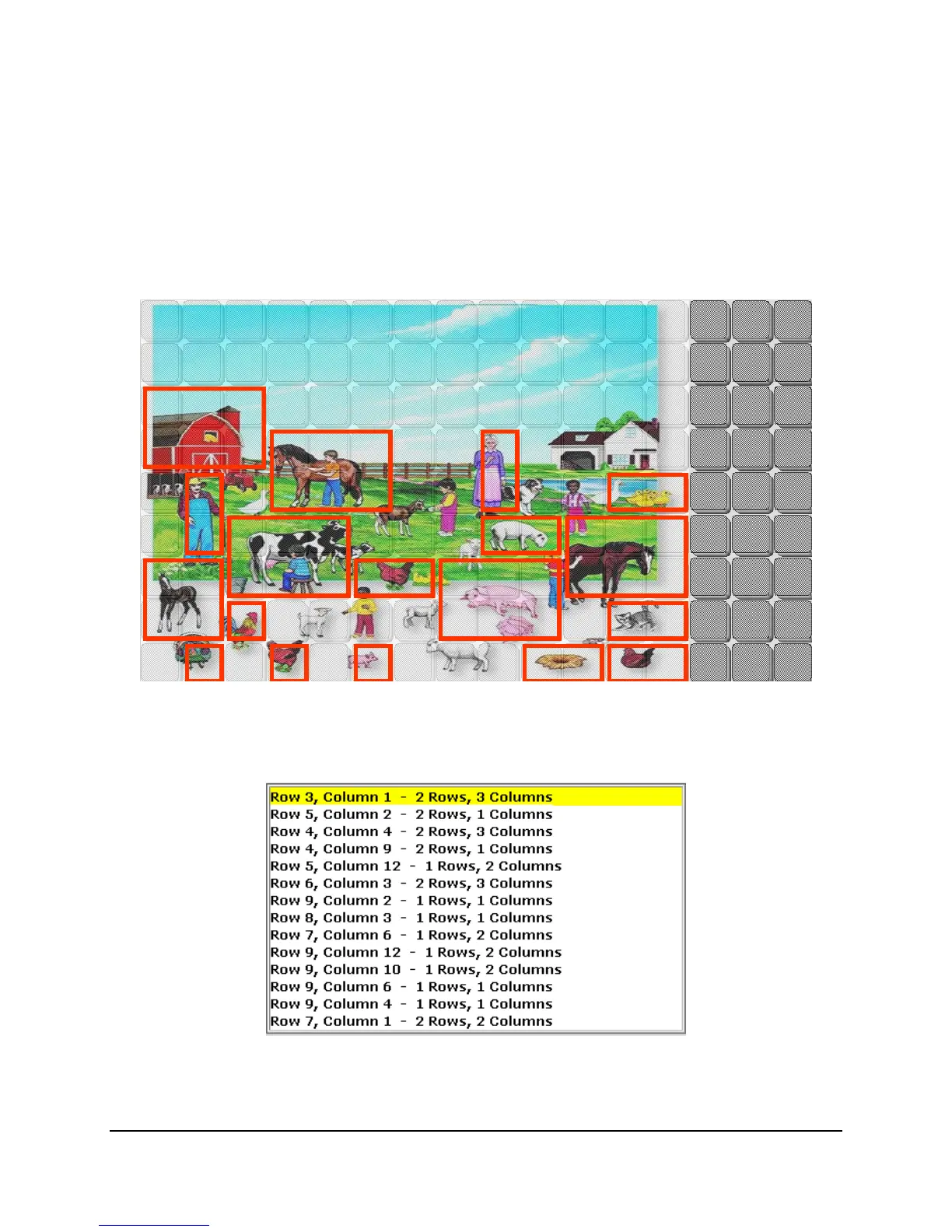
For example, in the scene below of a farmyard, you can create a scan pattern that highlights
individual items.
You can now scan through each item in turn, or change the scan order by using the list.
And remember, each block here corresponds to an item:
Row 3, Column 1 – 2 Rows, 3 Columns
is “barn,” Row 5, Column 2 – 2 Rows, 1 Column is “farmer,” and so on.



 To Next Page