APPENDIX D: MODIFY SCAN PATTERN
Eco Manual
286
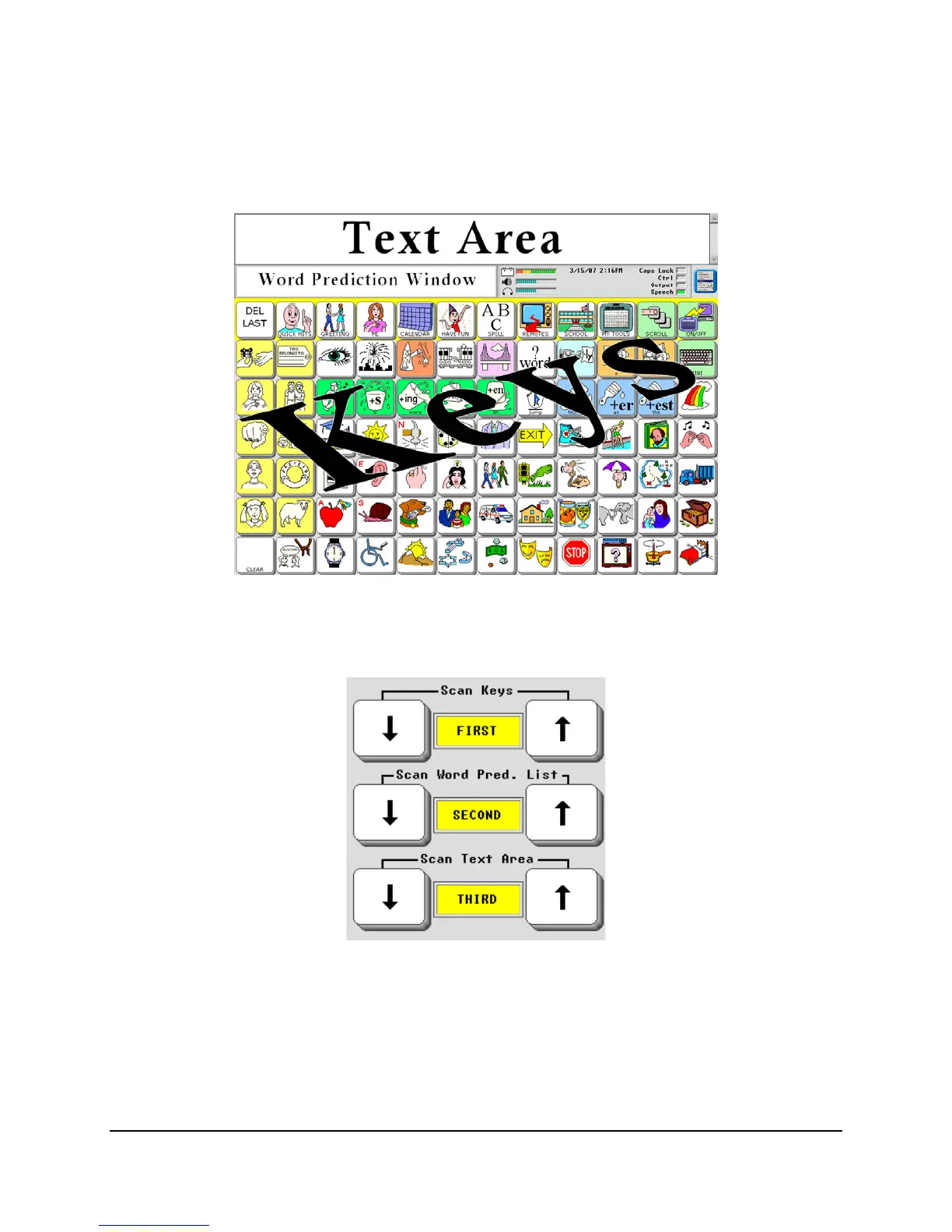
Scan Pattern Order
Another way to modify the scan pattern is to set the order in which the keys, text area, and word
prediction window are scanned.
Select the order with the three toggle keys,
Scan Keys, Scan Word Pred. List and Scan Text
Area.
The settings are interdependent so if you change
Scan Keys to THIRD, the Scan Text Area
setting would change to FIRST.
In our example, the scan will highlight the Core and Activity keys first, stepping through each
assigned block; then it highlights the word prediction window and, if activated, scans through the
word list; finally, it highlights the text window, which speaks any text if selected.



 To Next Page