APPENDIX D: MODIFY SCAN PATTERN
Eco Manual
285
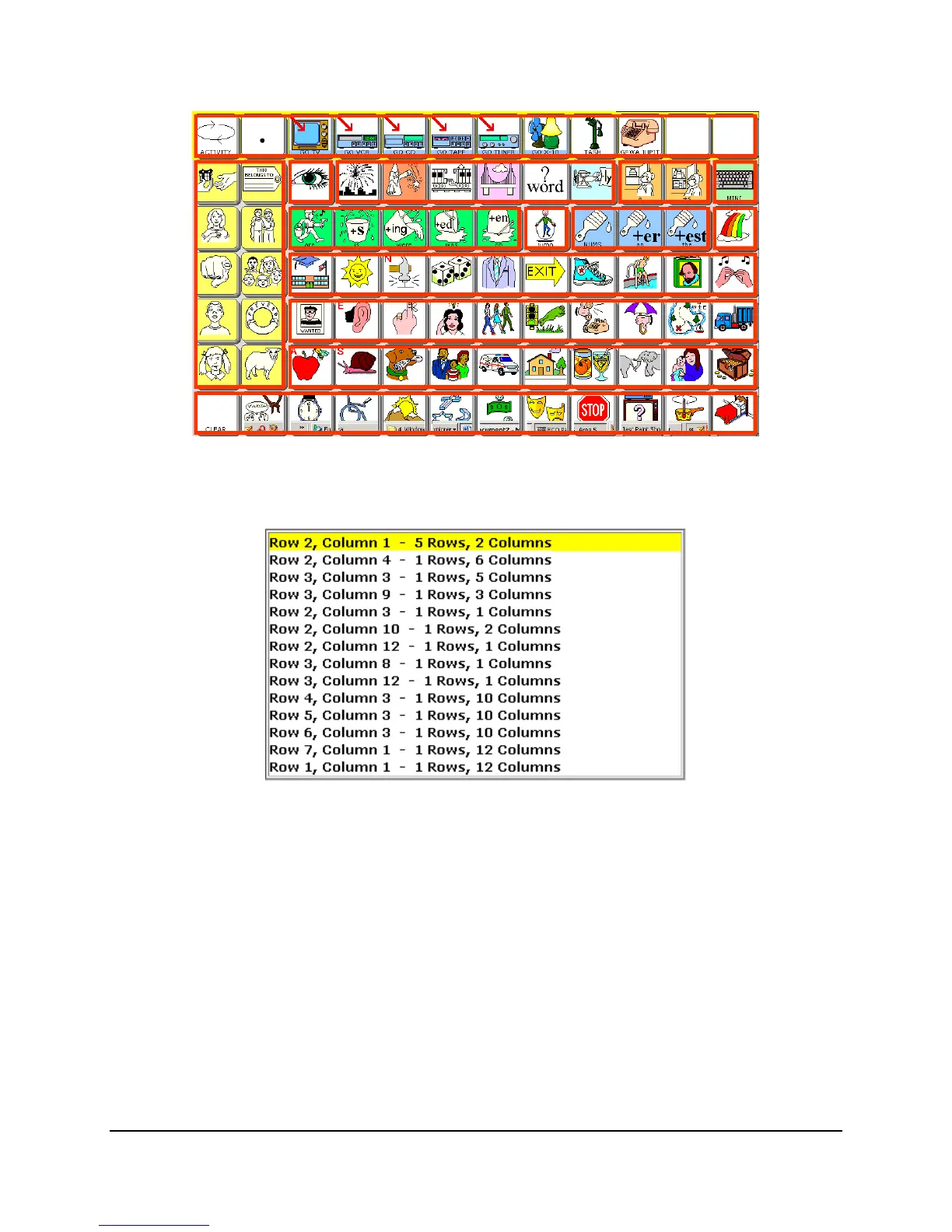
When you are finished, simply select the Text Area on your display to go back to the scan
modification screen. Now you see the list of all the scannable blocks.
The first block starts at
Row 2 Column 1 but highlights 5 Rows and 2 Columns. If you want to
change the order of the scans, you can use the up and down arrows to move between scan blocks,
then the
Move Up and Move Down keys to determine which block goes where. The scan starts
from the top of the list and goes down.
Copy Pattern From Another Page
Another way of setting up a scan pattern is to use the Copy Pattern From Another Page key.
This lets you use a specific pattern over and over again, based on the pattern used from a pre-
designed layout.



 To Next Page