APPENDIX D: MODIFY SCAN PATTERN
Eco Manual
284
Make New Scan Pattern
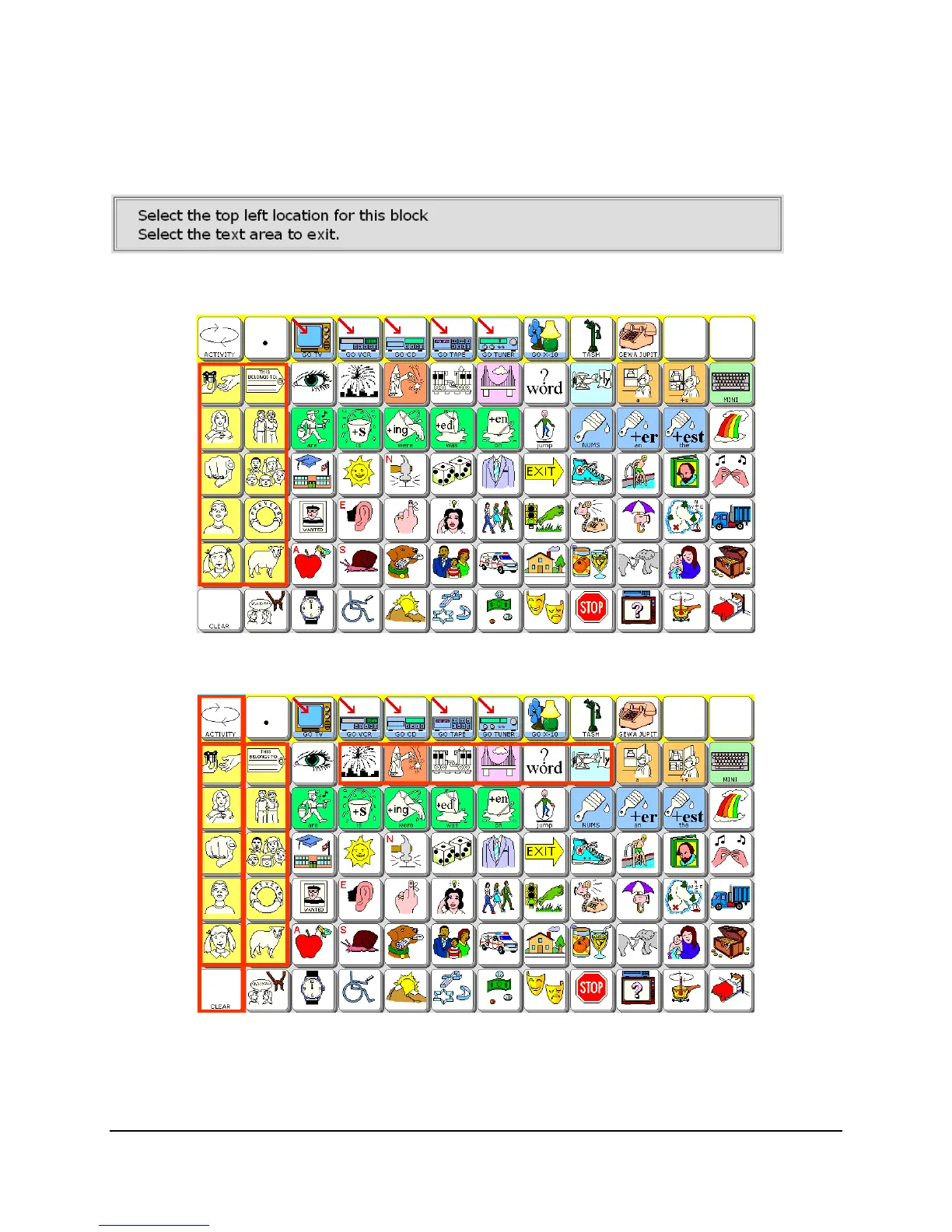
When you select this key, you see the full-screen overlay you are planning to scan. The
following message appears at the top of the screen:
If you select
Row 2 Column 1 followed by Row 6 Column 2, a box appears around all the
pronoun keys.
Now select
Row 2 Column 4 and Row 2 Column 9, and all the Closed Class words are
highlighted.
You can continue to outline blocks of keys until you have selected ALL the keys you want to
scan through.



 To Next Page