APPENDIX F: VOCABULARY BUILDER
Eco Manual
300
You can load a list into the Vocabulary Building system; merge a new list into the current
Visible Words and Phrases;
delete one of the lists, or backup (Word Lists only) one of the lists.
All
Word Lists are accessible from all User Areas. When you import a Word List it is available
anywhere in the device. When you delete a Word List it is no longer available anywhere.
Sequence Lists are different for each User Area, and will be saved when you do a Memory
Transfer.
Import New Lists
Adding a new Word List is easy. All you need to do is create your list on your computer, save it
as a text file
(.txt) and then import it to your Vantage, Vanguard or ECO using your USB flash
drive. This means you can use any text file that has one word or phrase per line in it.
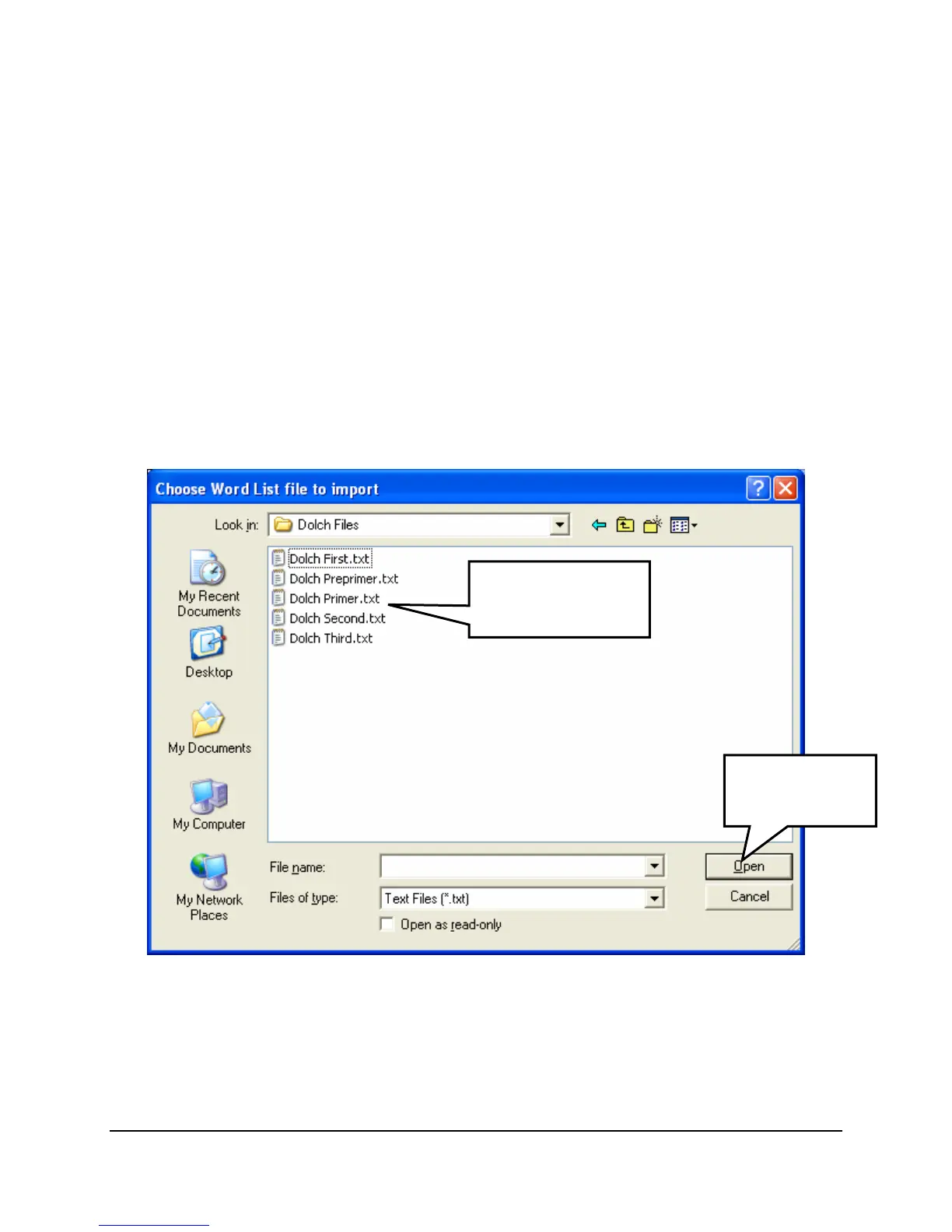
In the example above, there are a number of Dolch lists available. Highlighting one and clicking
the
Open button will import the file. The imported file then joins the others in the Choose Word
List
option.
Click on the file
you want to
hi
hli
ht it.
Click Open to
import the file.



 To Next Page