APPENDIX F: VOCABULARY BUILDER
Eco Manual
301
Sequence Lists can not be imported, but they can be created by starting with a Word List. To
create a Sequence List, see the information below under Save List….
Save List...
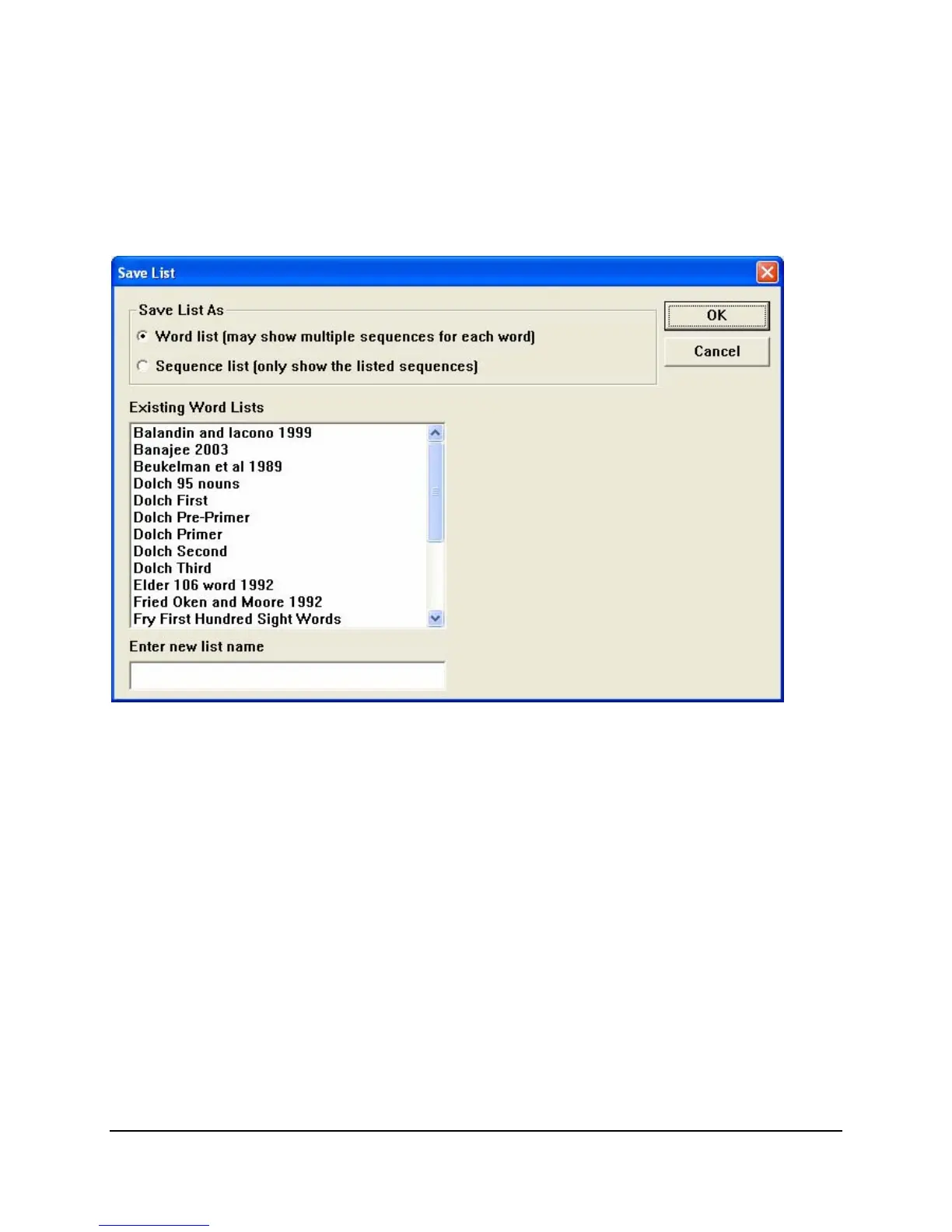
You can save a list of Visible Words and Phrases as a Word List or a Sequence List.
If you save a list as a
Word List you will be saving only the words on the list, not the
sequences. When you open this Word List, Vocabulary Builder will display every sequence that
is possible to use with each word on your list.
You can also save a word list on your USB flash drive by using the
Backup List option under
Use Lists… The USB backup keeps the lists safe so you don't have to do them over should
anything happen to your device.
Create a Sequence List
Import a Word List text file.
Select
Use Lists…
Select the imported
Word List.
Select
Load List.
If there are sequences you don't want to use in the
Visible Words and Phrases List, highlight
them and then select the
Hide button.



 To Next Page