APPENDIX L: TROUBLESHOOTING
ECO Manual
339
Internal Computer Troubleshooting
Anti-Virus Software Information:
If you intend to use the ECO's internal computer you will need to install anti-virus software.
We have tested and recommend AVG anti-virus software as a free anti-virus software solution
that will not impact the ECO's performance. You can download this software from the Web onto
your USB flash drive. Do a Google search on "AVG".
Your ECO is not running as well as it usually does:
1. Open the MAINTENANCE MENU in the Toolbox and select the Restart Windows option.
If this does not fix the problem:
2. Plug in the USB keyboard and mouse. On the keyboard, hold down the
<CTRL>and<ALT>keys and press the <DELETE> key.
3. Click on the
Shutdown Menu.
4. Click on the
Restart option.
If this does not fix the problem:
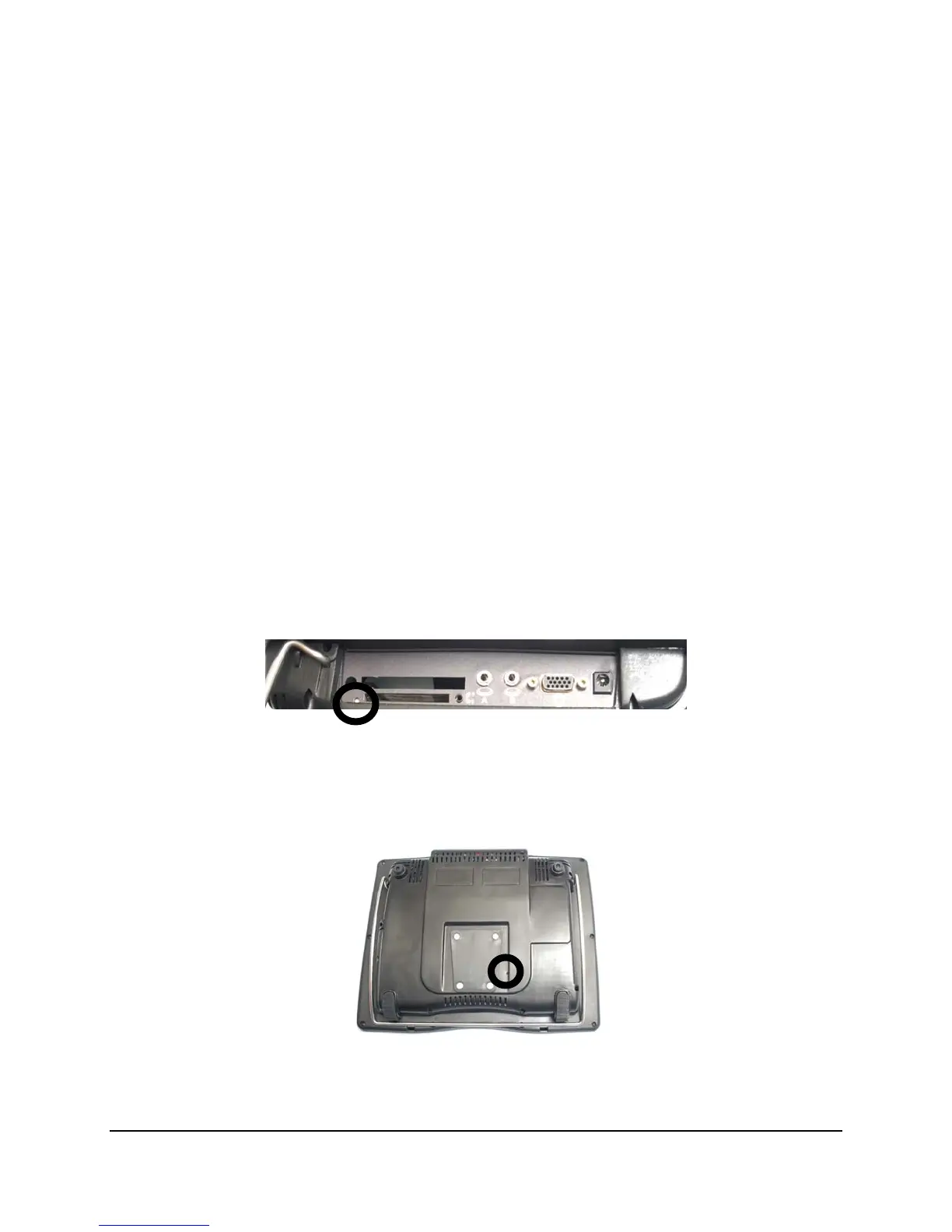
5. Perform a
side-button reset by pushing the end of a straightened paper clip in the small hole
on the left side panel until you touch/push the reset bottom at the bottom of the hole.
If this does not fix the problem:
6. Perform a back-button reset by pushing the end of a straightened paper clip into the small hole
to the right of the mounting plate on the back of your device.
If this does not fix the problem:
Call the PRC Service Department at 800-262-1990.



 To Next Page