SETTING UP YOUR DEVICE
ECO Manual
39
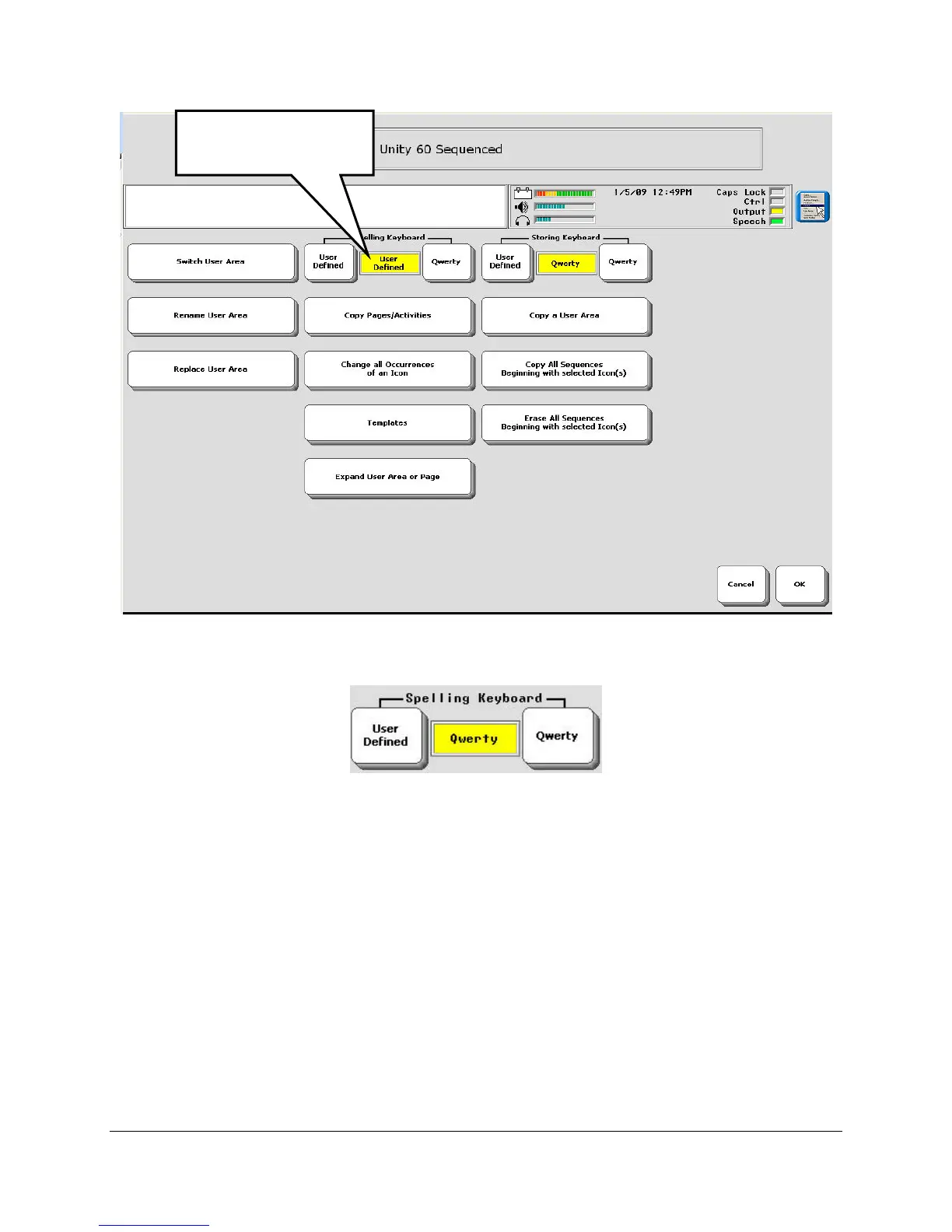
The Spelling Keyboard option defines your Spelling page. The Qwerty keyboard is set up like a
computer keyboard. If you select GO TO SPELL in the Toolbox, you will see the default
Qwerty spelling page. If you select the ABC key on your Unity overlay, you will see a spelling
page that has been designed to go with the overlay you are using.
If you select User Defined, you will see the Pages menu. Select the spelling page you want.. If
you select GO TO SPELL in the Toolbox, you will see the spelling page you selected. If you
select the ABC key on your Unity overlay, you will see the spelling page that was created to go
with the particular overlay you are using.
Other USER AREA MENU Options
Use the Rename User Area to give your Area a name, if you want to.
Select a Spelling
Keyboard.



 To Next Page