SETTING UP YOUR DEVICE
ECO Manual
40
You can Copy a User Area and place it in another Area. Both Areas would have the same
overlay but each Area could have its own access method. One Area might be set up for school
situations and another for when the user is at home.
Important Note!
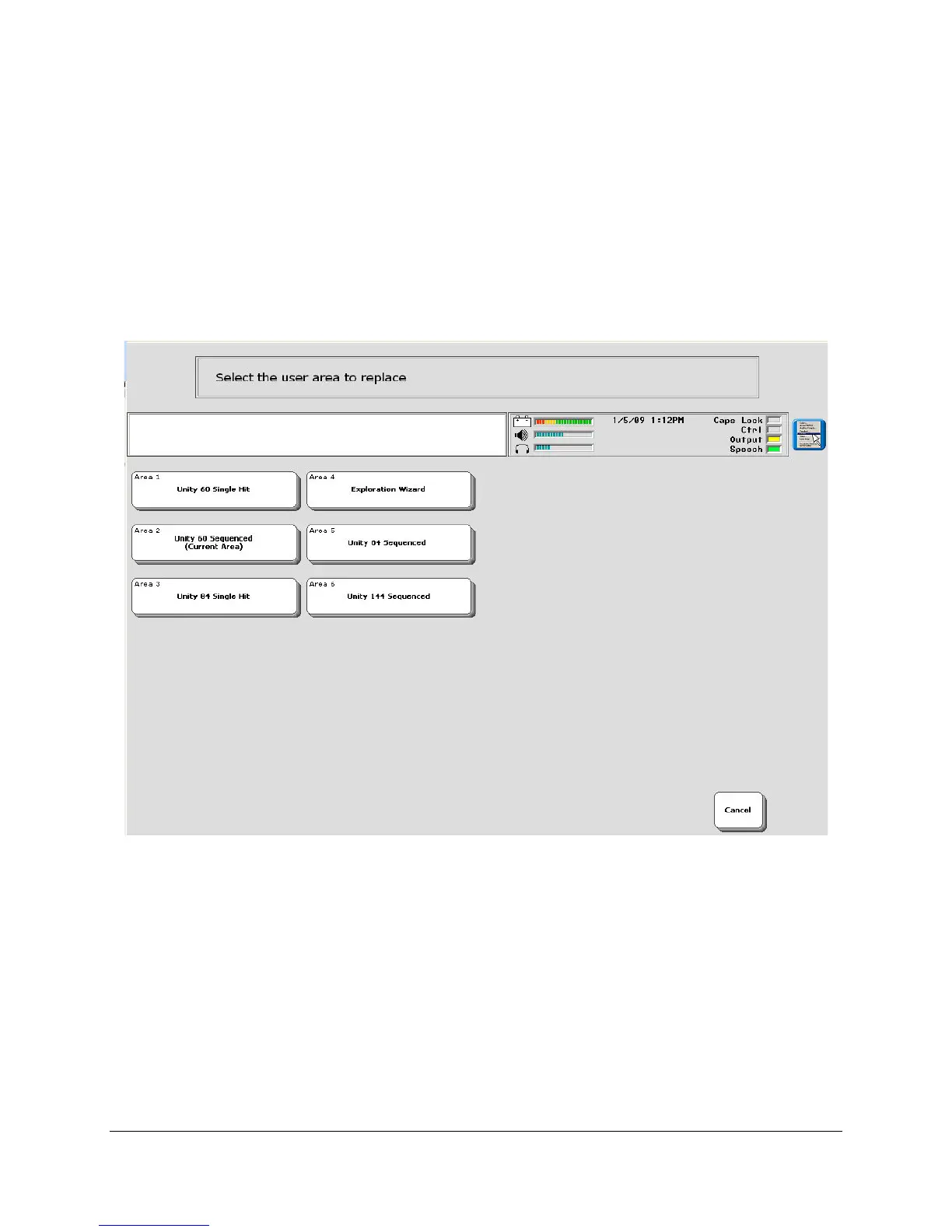
Replace User Area is a new option. (It replaces the old Overlay menu.)
If you want to replace the overlay you have been using with a different overlay in the same User
Area, you must first select the Area/overlay you are currently using. (If you are replacing an
overlay in an Area you are not currently using, you will not see this screen)
When you have selected your current area, you will see the Replace With menu.



 To Next Page