SETTING UP YOUR DEVICE
ECO Manual
41
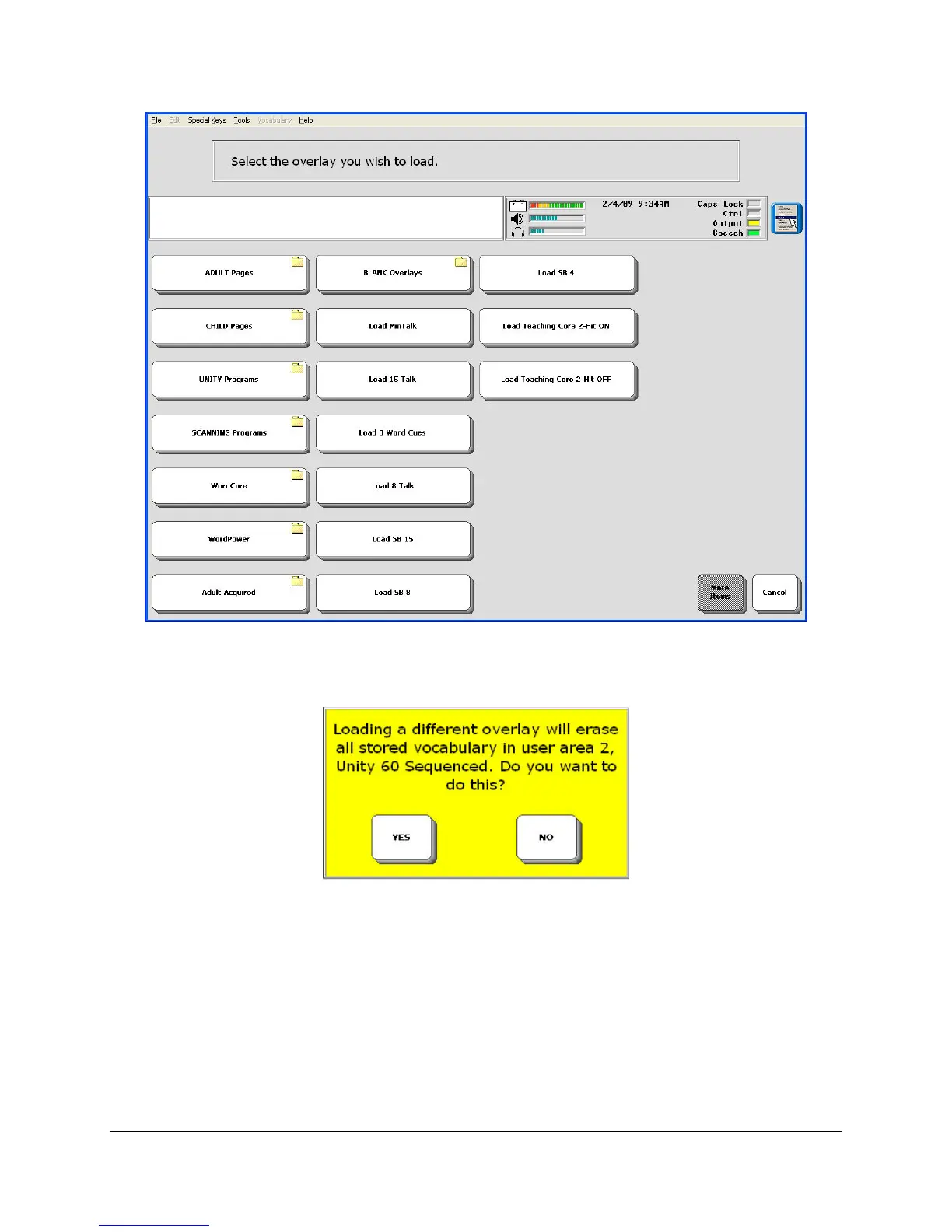
Each option offers you a number of different overlays. If you select Unity Programs you will see
a list of all the Unity overlays. When you select the overlay you want you will see this warning:
Any custom vocabulary (vocabulary that was not pre-stored at the factory) that you have added
to your current overlay will be lost when a new overlay is installed.
If you want to erase your current overlay without saving any of the vocabulary, select YES. If
you want to save the overlay's vocabulary, select NO and then perform andMTI (memory
transfer) before you change to a new overlay. See Using the TRANSFER MEMEORY
MENU chapter for information about making memory transfers.
When you select YES above, you see your Spelling Page:



 To Next Page