SETTING UP YOUR DEVICE
ECO Manual
42
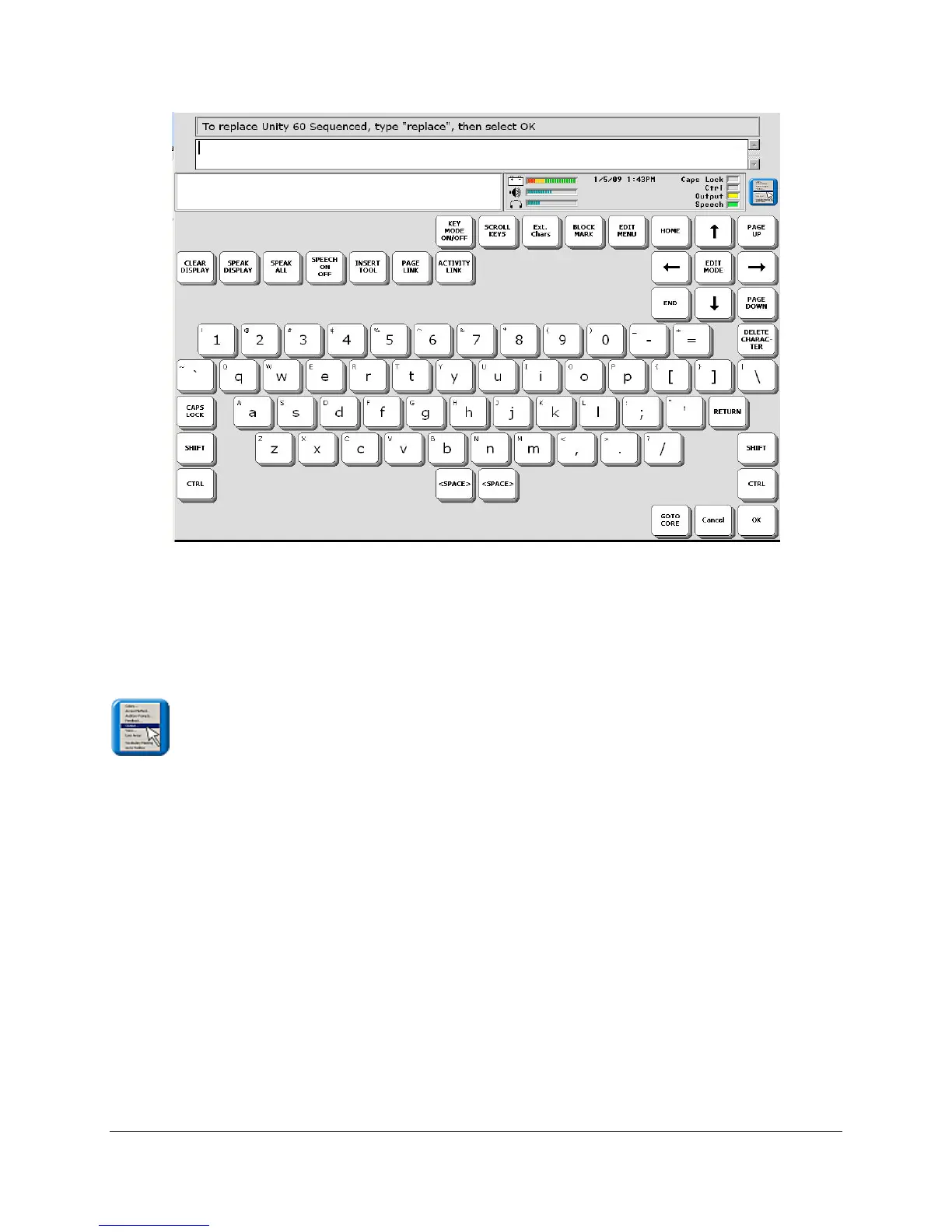
Type the word "replace" and then select OK to exit the menu. Your original overlay will be
replaced by the one you just selected.
Other options in this menu are discussed in other parts of this manual. See the Table of
Contents or the Index.
Open the menu.
Open User Areas allows you to select the pre-stored vocabulary that you want to use. Each
vocabulary overlay is stored in its own Area.
Replace User Area allows you to load any of the available vocabularies into the current User
Area.
The last option will show you the settings for the Area you are currently using. You can make
any changes to settings in the current Area from these menus.



 To Next Page