USING THE CORE VOCABULARY OVERLAY
ECO Manual
95
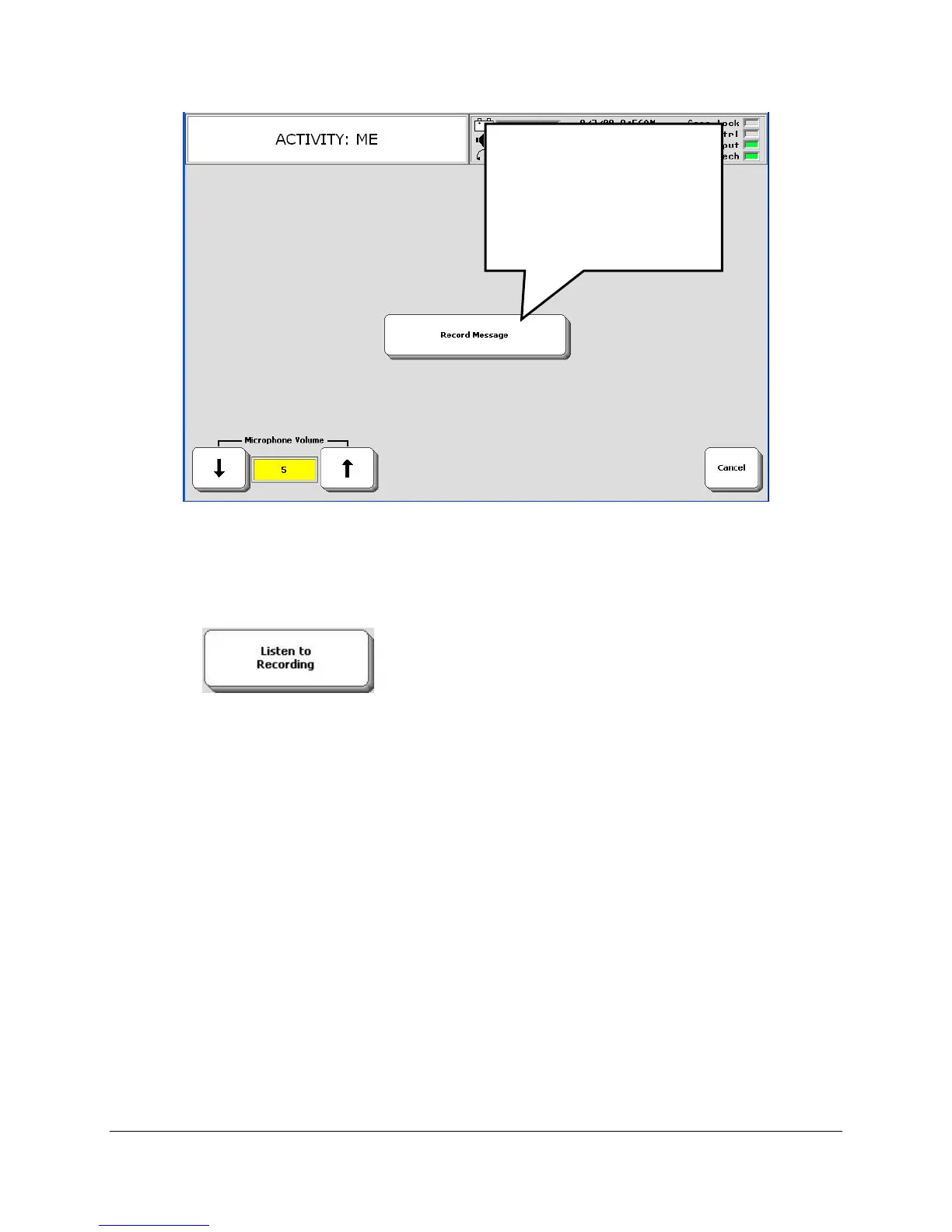
7. When you are ready, press and hold the Record Message key and speak "My name is [say
your name]."
8. Release the Record Message key as soon as you have finished recording. The device returns
you to the menu.
9. Press the Listen to Recording key.
10. If the message is fine, select OK. You are finished.
If the message was too loud select a lower number in the Microphone Volume option.
If the message was too soft, select a higher number.
Select Record Message and re-record your message.
Activate Listen to Message to see if you like the new recording.
If the recording is still too loud or too soft, repeat these steps.
.
Once you have the Microphone Volume adjusted to your liking, you should not have to re-
adjust it for recording any new messages.
Add your Name to the Display
Now let's add your name so that it shows up on the display when you select the NAME key.
Press and hold this key
while you say your
message.
Release the key as soon
as you have finished
recordin
.



 To Next Page