POTS Testing and Fault Location
The POTS Toolbox
4
4-27
Entering Multiple Wire Gauge Information
For pair counts composed of multiple wire gauge sections, or sections
containing load coils, use this procedure to store multiple gauge information.
The tester lets you store up to 20 “sections” of data. A section is defined as a
length of cable having a gauge that is different from the preceding length, or a
length of cable containing a load coil at the end.
To enter multiple wire gauge information, do the following:
1. On either the
Setups - RFL or an RFL Test Results screen, press
C(
Multiple Gauge).
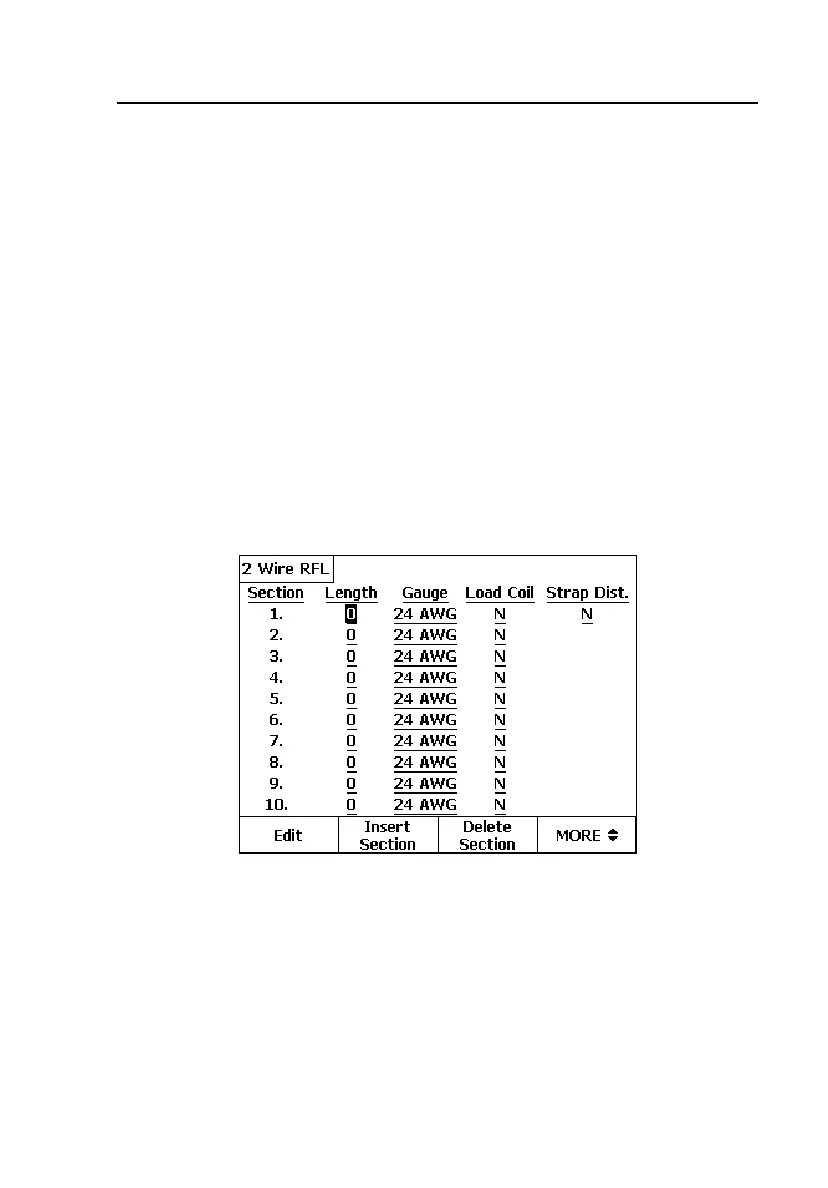
An entry screen is displayed. The
Length field is highlighted.
2. Press A(
Edit).
A blinking cursor appears in the first character position of the
Length
field as shown in Figure 4-16:
acy32s.eps
Figure 4-16. RFL Multiple Wire Gauge Entry Screen



 To Next Page