Configuring Security
TIMS MVP™ Setup and Configuration Guide 79
Changing the TIMS MVP™ Studies Directory
The default studies data folder for TIMS MVP™ is C:\ProgramData\TIMS MVP\TIMSDATA. Use
the TIMS MVP Config General page to change the location of the data folder.
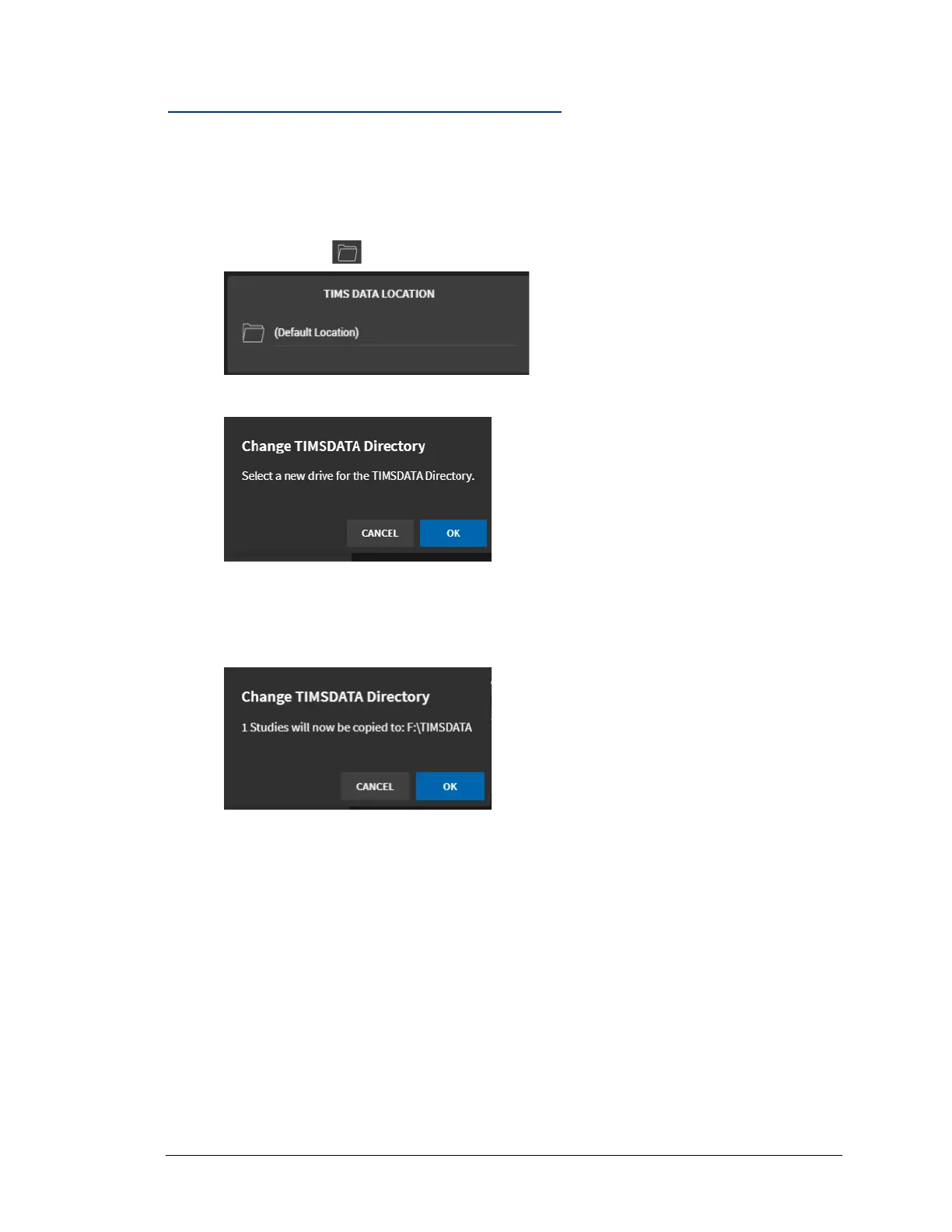
To change the location of the data folder:
1. Click the folder icon next to the (Default Location).
2. When the message to select a new drive appears, click OK.
3. Browse for the new folder location, click the Select Folder button to change the
directory location.
4. Click OK to confirm the new study data location.
Result: A white circle will display temporarily as the studies are moved to the new
location. Once the circle stops, all existing and future studies will be saved to the new
default study location.



 To Next Page