EasyManua.ls Logo

FORESIGHT TIMS MVP - Using IDEA Auto-SYNC

FORESIGHT TIMS MVP
285 pages
Print Icon
To Next Page IconTo Next Page
To Previous Page IconTo Previous Page
Loading...
Creating a Custom Hardware Profile
90 TIMS MVP Setup and Configuration Guide
Using IDEA Auto-SYNC
Using Auto-SYNC provides the following capabilities:
Allows you to configure to any modality/video source.
Creates video configuration files for use in TIMS MVP or with
the IDEA SDK applications.
Automatically measures and defines video parameters.
Provides Auto-SYNC procedures for SDTV and Analog RGB/Monochrome.
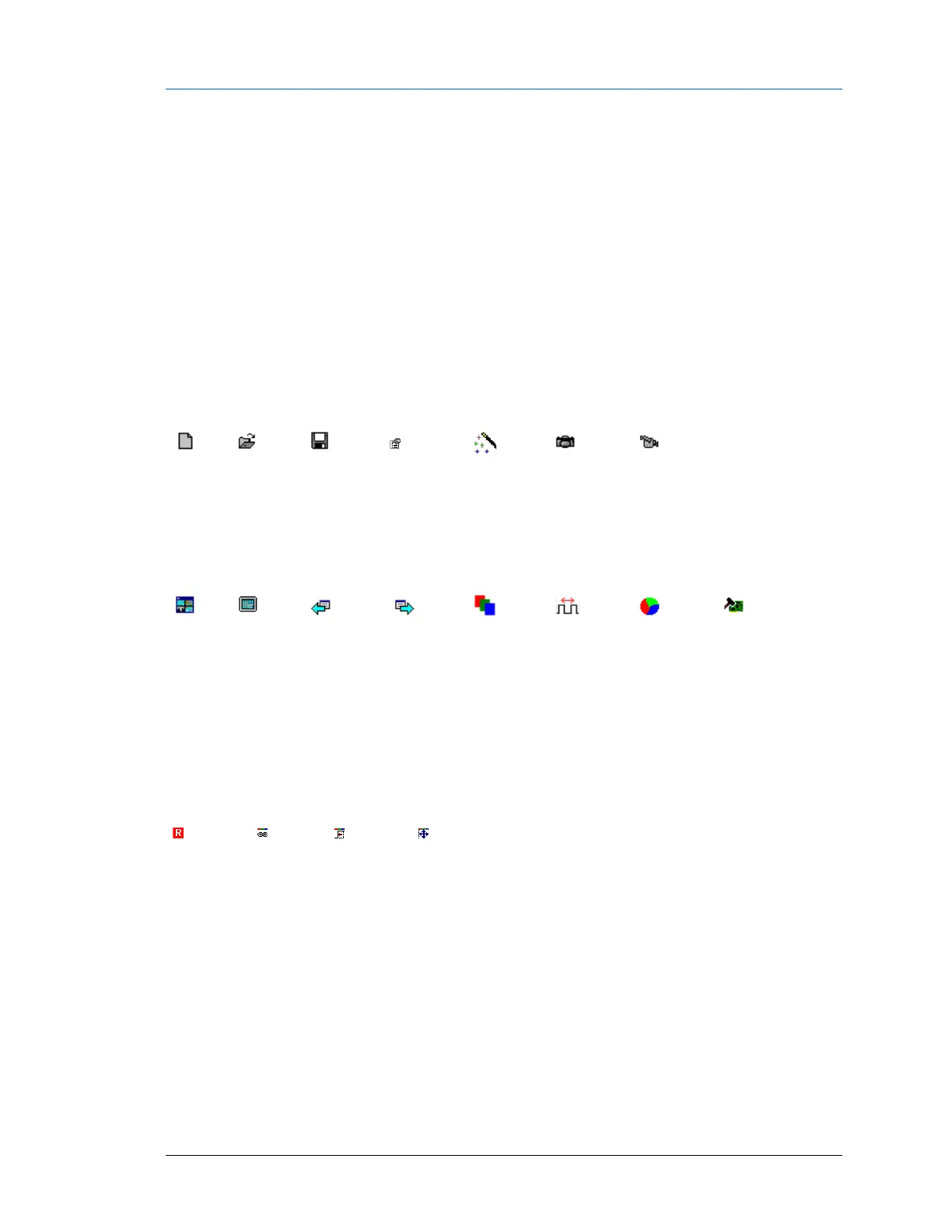
The following is a brief description of each toolbar icon in Auto-SYNC:

Create a
new CHP
file
Open CHP
file
Save CHP
file
Open
video
settings
Open
Auto-SYNC
Wizard
Refresh
images
Continuously
capture
(full-size
view)
Multi-
view
window
Full
window
Previous
window
Next
window
Show
combined
RGB
view
Automatic
phase
White
balance
Reset
board
The following toolbar icons are used for combined RGB views:
Edit Red,
Green,
Blue
channel
Link RGB
CHP
changes
Reset RGB
HTotal and
porch
settings
Reset
RGB
image
size

Table of Contents