IDEA Auto-SYNC with RGB/VGA/DVI Analog Video
TIMS MVP™ Setup and Configuration Guide 107
Auto-SYNC Wizard
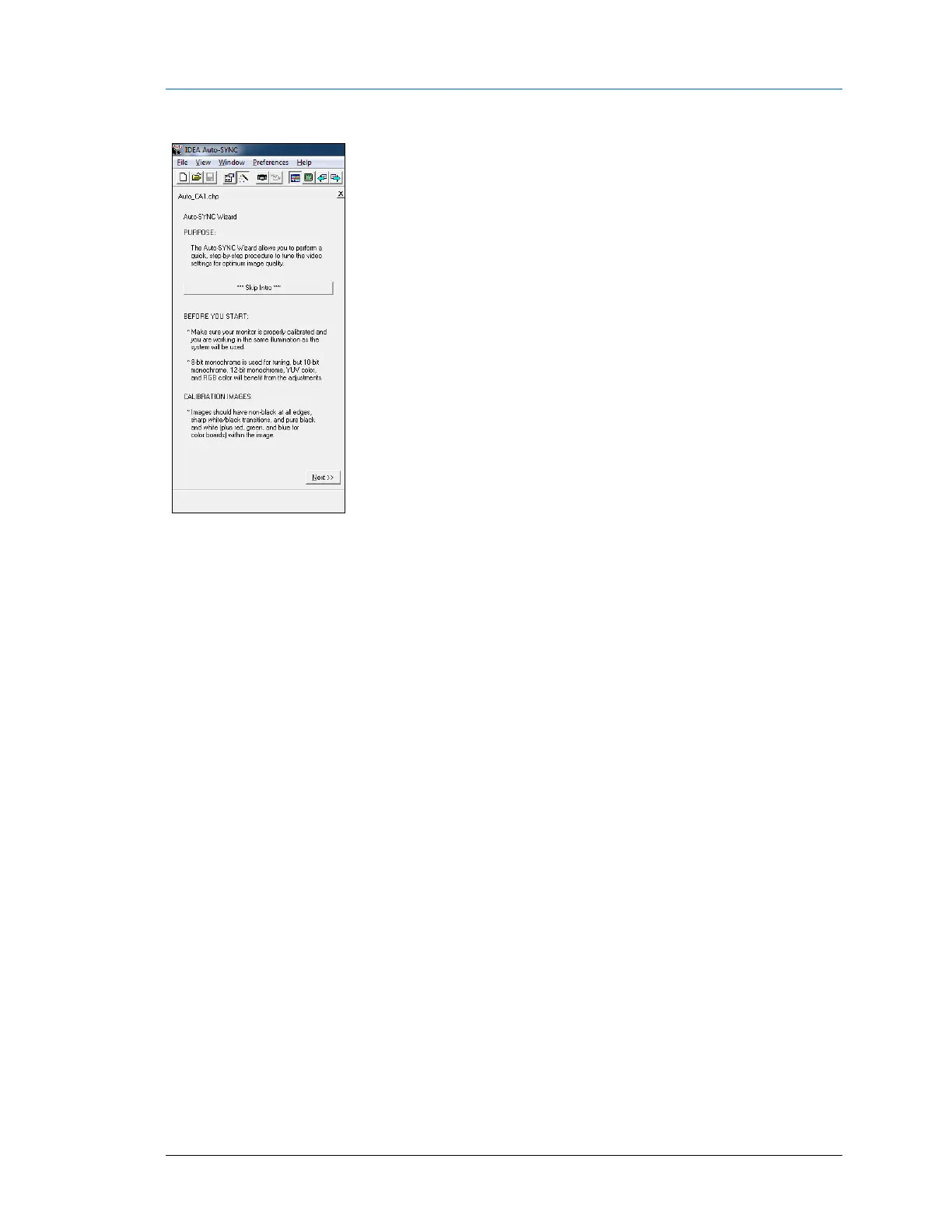
Figure 17: IDEA Auto-SYNC Wizard Information screen
After viewing the Auto-SYNC Wizard introduction, the tuning process begins. There is a large
button on the first introduction page that skips to the first tuning step. On the last introduction
page is a checkbox that hides the introduction pages the next time the Wizard is used; the user
can also enable/disable the introduction from Auto-SYNC’s Preferences menu.
Note: The Auto-SYNC Wizard process varies slightly for different board types.



 To Next Page