Using Auto-SYNC for Digital Input Connections
TIMS MVP™ Setup and Configuration Guide
193
Saving and Undoing Changes to your Video Settings
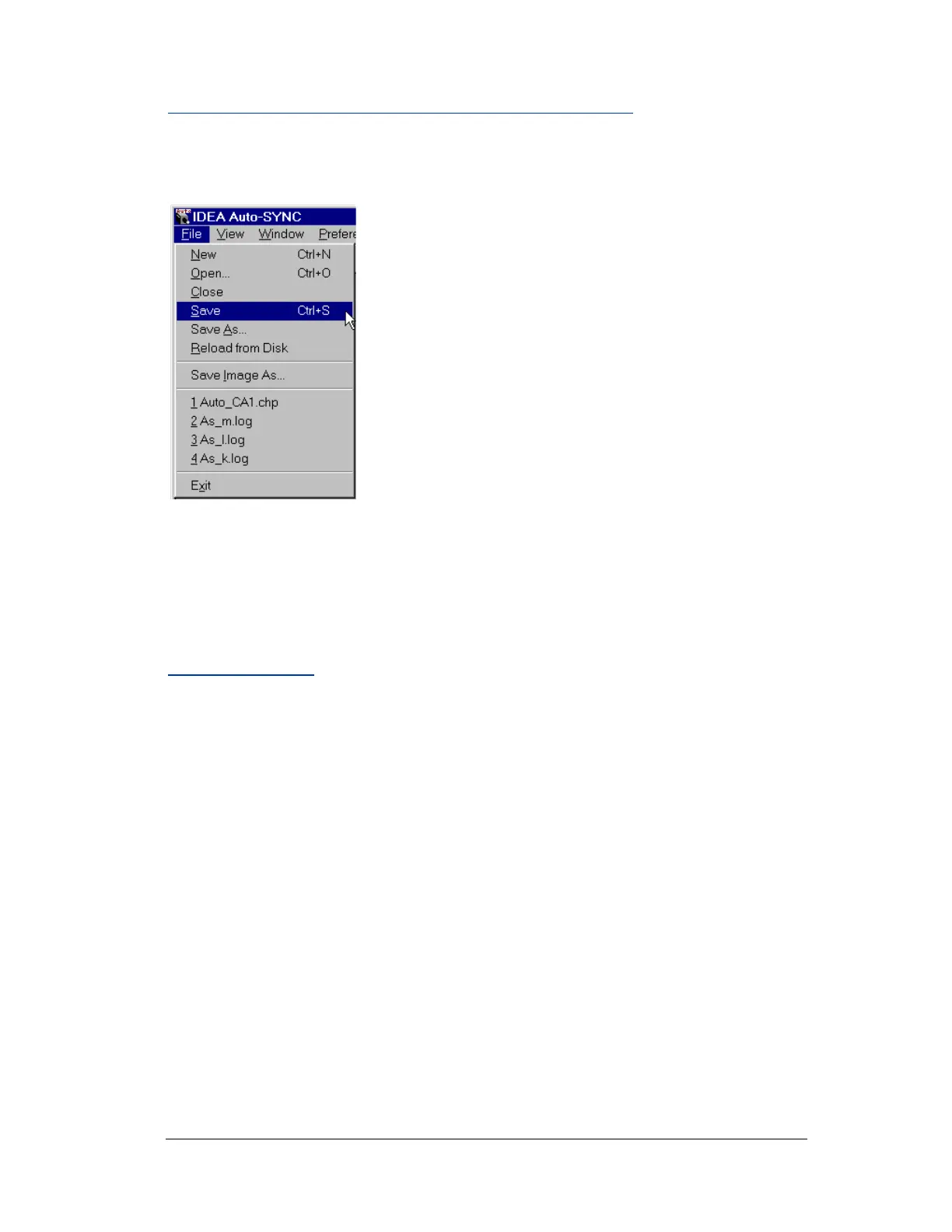
If you make any changes to any of the settings, be sure to select
File > Save or File > Save As to save these changes.
Figure 94: Saving your CHP file
If you want to undo any pending changes to your settings, you can restore the video
settings by selecting File > Reload from Disk.
Saving an Image
Once you have an active CHP file, you may save a captured image as a bitmap (BMP) file.
This BMP may be viewed with any graphics program. To perform this save, select File >
Save Image As.



 To Next Page