IDEA Auto-SYNC with RGB/VGA/DVI Analog Video
TIMS MVP™ Setup and Configuration Guide 155
Procedure for Using the Aspect Ratio Function
IMPORTANT: If a calibrated image is not available, then see the Procedure for Non-
Calibrated Images on page 159 first.
To use aspect ratio function:
1. Start the IDEA Auto-SYNC program as you normally would using Express mode.
NOTE: Use the TIMS MVP™ Setup and Configuration Guide for step-by-step
instructions for using the IDEA Auto-SYNC program.
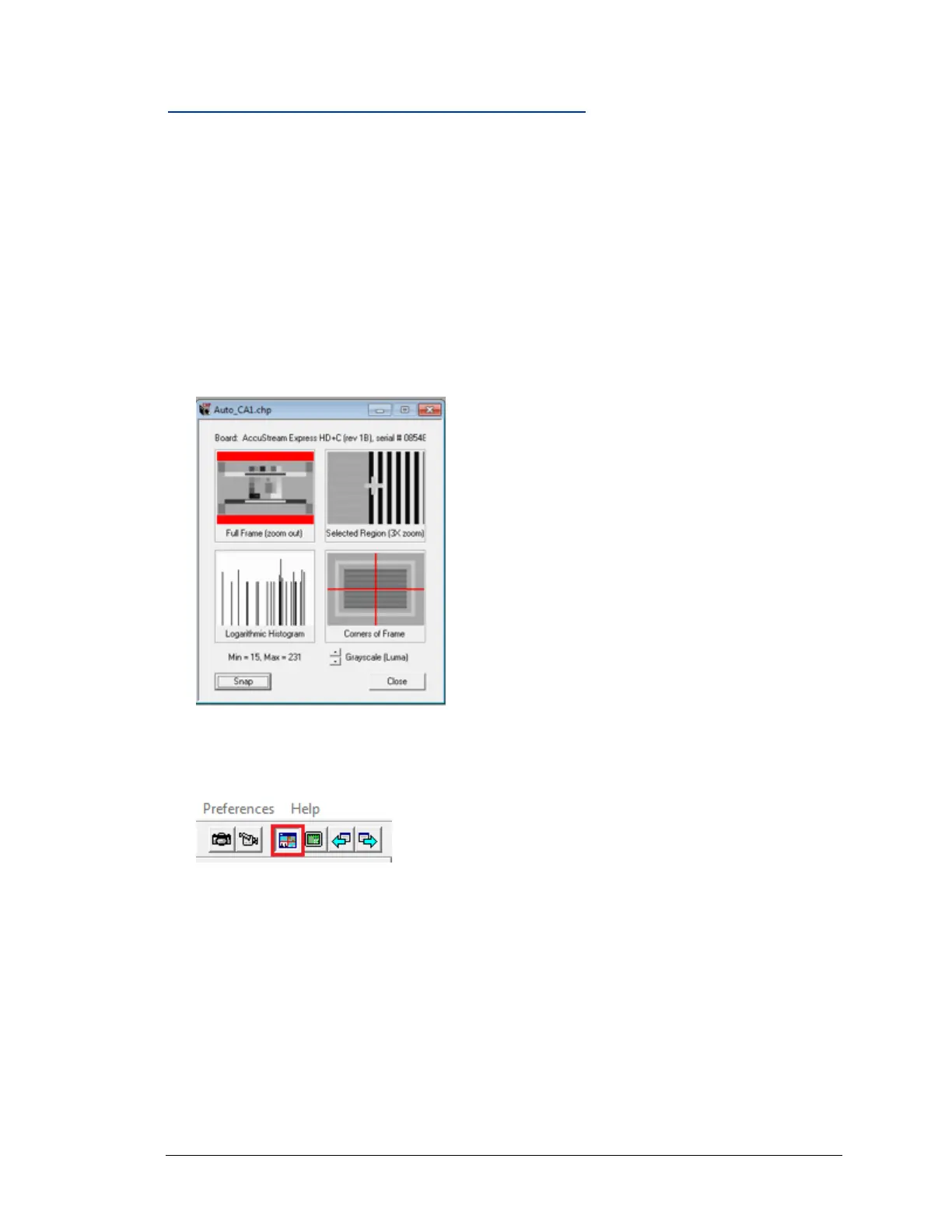
2. When you have completed running Auto-SYNC in Express mode, you will see the Auto-SYNC
Video Settings Window.
3. Click the Full Frame icon in the IDEA Auto-SYNC main menu. It is recommended that you
make the image as large as you can on your monitor.



 To Next Page